Insight · The JARVIS Experience Library
It is 4:10 on a Thursday afternoon. An events director has eleven supplier decks open and every one of them says immersive. She opens one more link on her phone, taps a card, and a turbine floats on her screen. She drags it, pulls it apart, switches on x-ray. Four minutes later she is still playing, and she has stopped reading decks.
The short version. The JARVIS Experience Library is sixteen FAIM products, each one a working prototype you can play in a browser. Don’t read it. Play it. No brochures, no PDFs, 1 tap to experience.
Why we built a library you can play
Event technology is hard to judge from a PDF. A render of a hologram says nothing about how it feels when it answers your hand. So we stopped describing our products and started shipping them as small, self-contained experiences: 16 products, 3 categories, 100% interactive. Each card in the library opens its own live prototype, and the same thing your visitors would do on the floor, you do on your screen.
The library sits inside the wider FAIM Experience catalogue of 76 products. The 16 here are the FAIM Products line, the systems with a working model in the lab. If you are not sure where to start, the page has its own guide: Ask JARVIS to choose, and the concierge, which knows all 16 products, will point you to the right one.

What every product page contains
Each prototype follows the same ten chapters, so a client can compare products like for like. Below is what you will find on every one of them.
- Cover and Present With Narration. One button turns the page into a guided presentation. Eight narrated voice-over chapters walk you through the product, so a busy client can listen like a podcast while the page animates itself.
- Concept. The idea in one screen, with four short principles.
- Interactive demo. The product itself, on your screen, with a live board that counts what you do in this session.
- Blackbox. A tactical systems view in 3D. Drag to orbit, explode the assembly, switch to x-ray, tap glowing nodes for spec cards.
- Blueprint. An engineering sheet drawn for the contractor, which you can download as SVG.
- Intelligence. What the system senses, how it syncs and what it reports, plus a clear split between what FAIM delivers and what is by others.
- Visitor experience. The four-step journey on the floor: arrive, engage, play, convert.
- Data, wall and close. What gets measured, how it looks at scale, and how to add the product to your enquiry cart.
Play the real thing below. This is REFLEX, exactly as it runs in the library. Thirty seconds, tap the targets, keep the streak.
Open the live REFLEX prototype here
Category 01: Event and exhibition technology
The floor, the booth, the entrance, the moment. Eight products that make physical spaces respond.
PHANTOM · F-7085 · Holographic displays
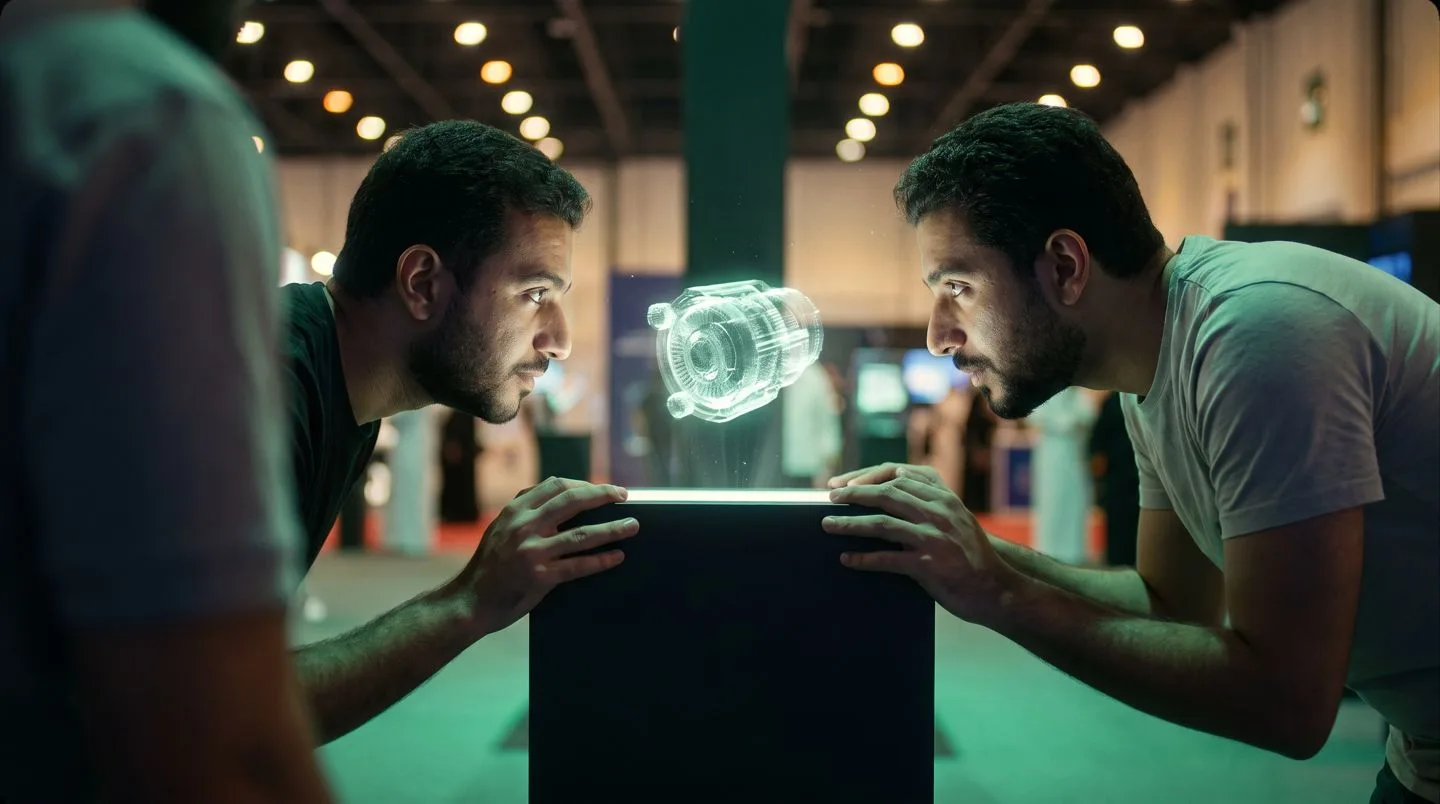
- Hand tracking reads the reach and the object responds
- Parallax, shadow and reflection behave like real physics
- All rendering runs locally on the edge unit, with no cloud dependency
A product floats inside a cylinder of light and slowly turns. Reach toward it and it opens: components separate, specifications surface, the inside shows itself. No headset, no instructions.
Play it: Drag to orbit, scroll to zoom and tap the numbered hotspots for floating spec cards. Swap between a turbine, a timepiece and a drone, separate the assembly, switch on x-ray. Open PHANTOM in the library.
VAULT · F-3042 · Holographic enclosures
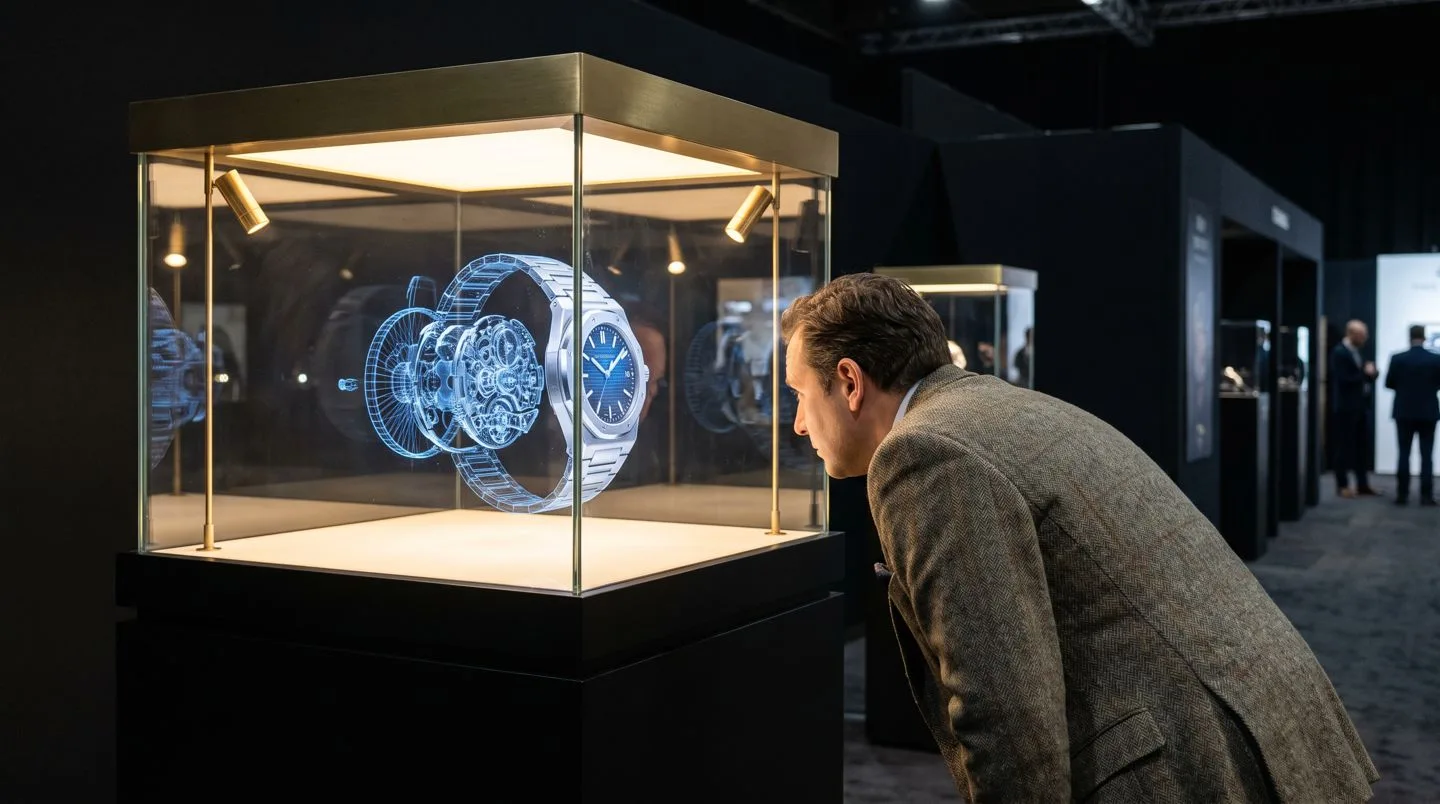
- The physical object and its hologram sit in perfect register
- Callouts, particles and light choreography fire on cue
- Built for timepieces, jewellery, automotive parts and heritage artifacts
The real product sits on a pedestal inside glass, and the glass becomes the stage: callouts, exploded views, particles and data overlays orbit the object so the real thing and its digital twin share one volume.
Play it: Project feature callouts, fire a particle burst, spin the twin and swap products with the compare toggle. Every trigger lands on the engagement board. Open VAULT in the library.
BLADE · F-6019 · 3D hologram fan arrays
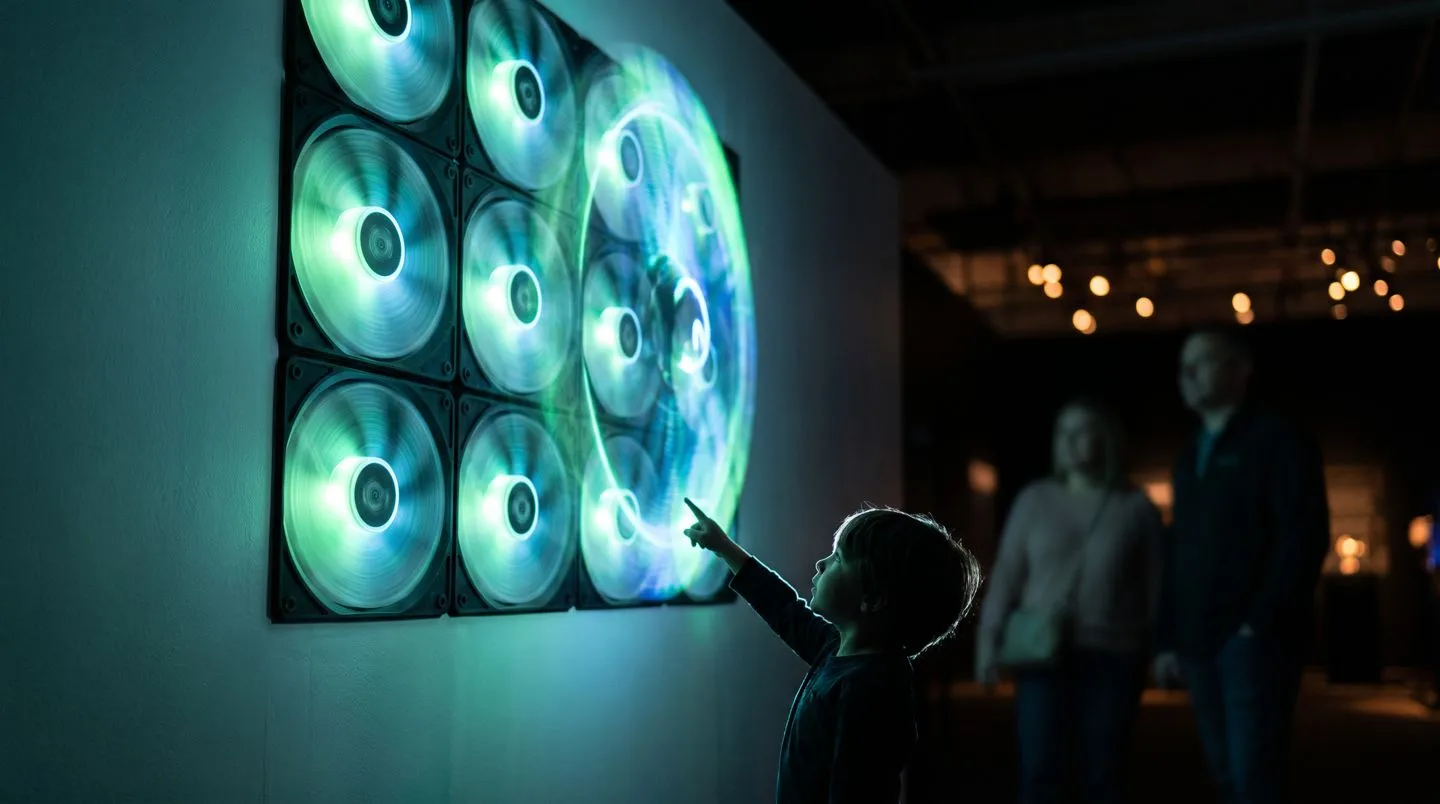
- Nine fans tile into a 3 by 3 wall with frame sync held under one millisecond
- Proximity sensors wake the content as people approach
- Content rotates by schedule, time of day or live data
Blades of LED light spin faster than the eye can follow and paint an image in open air. No screen and no enclosure. Nine units tile into one wall, and the content wakes as a visitor walks closer.
Play it: Switch presets between Brand Bloom, Product Float and Countdown, tile the 3 by 3 wall, then slide the virtual visitor closer and watch the content react. Open BLADE in the library.
IGNITION · F-1028 · Launch and reveal shows
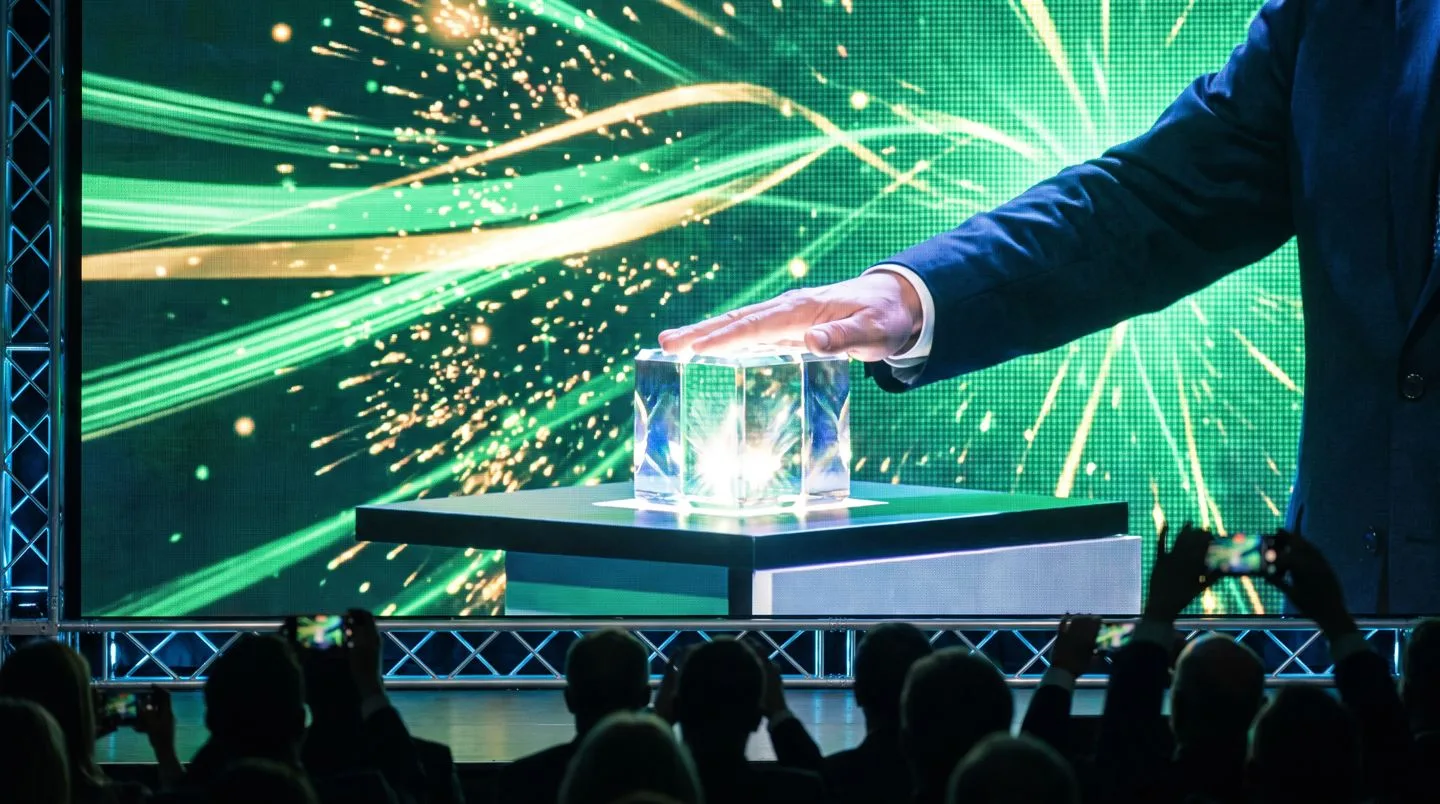
- A countdown the whole room counts with
- Twelve cues on one desk with millisecond timing
- Reveal, spotlight, confetti and screen content fired in sequence
The lights dim, the room counts down together and at zero the product reveals in choreographed light, motion and sound. IGNITION is the launch moment, engineered and rehearsed before show night.
Play it: Fire any of the twelve cues, or press Run Show and watch the whole sequence play. Change the tempo and switch between rehearsal and live mode. Open IGNITION in the library.
CONCIERGE · F-8091 · Intelligent reception desk
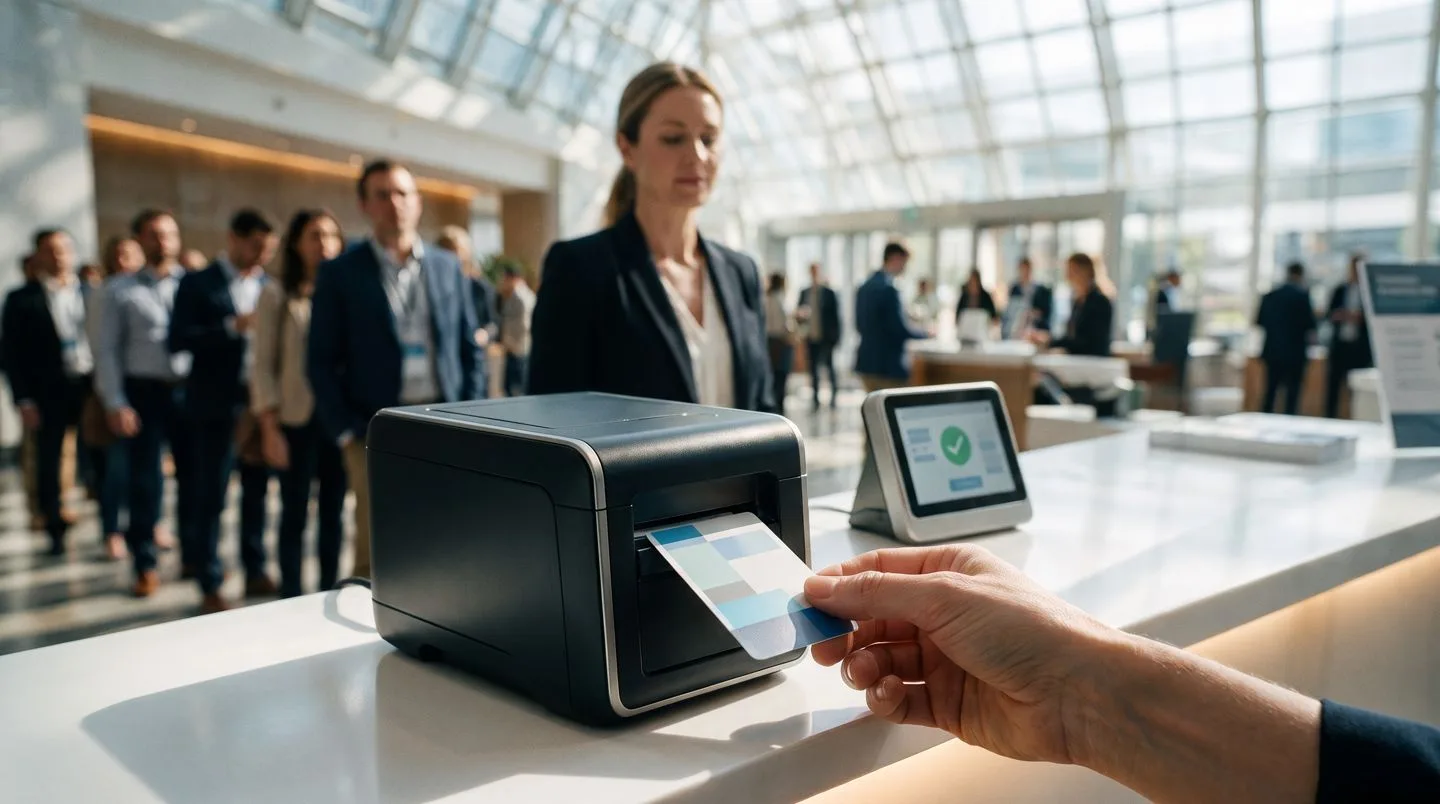
- Returning guests are recognised and skip straight to badge
- QR smart badges print in about six seconds, typed by guest category
- English and Arabic switched per guest, not per queue
The first face at the event greets guests by name, registers them in seconds, prints a smart badge, answers in English or Arabic and flags VIPs. Operations sees every arrival live.
Play it: Type a name or tap Sample Guest, switch the welcome to Arabic, then press Rush Mode and watch twenty guests clear with no queue. Open CONCIERGE in the library.
COMPASS · F-2073 · Smart wayfinding
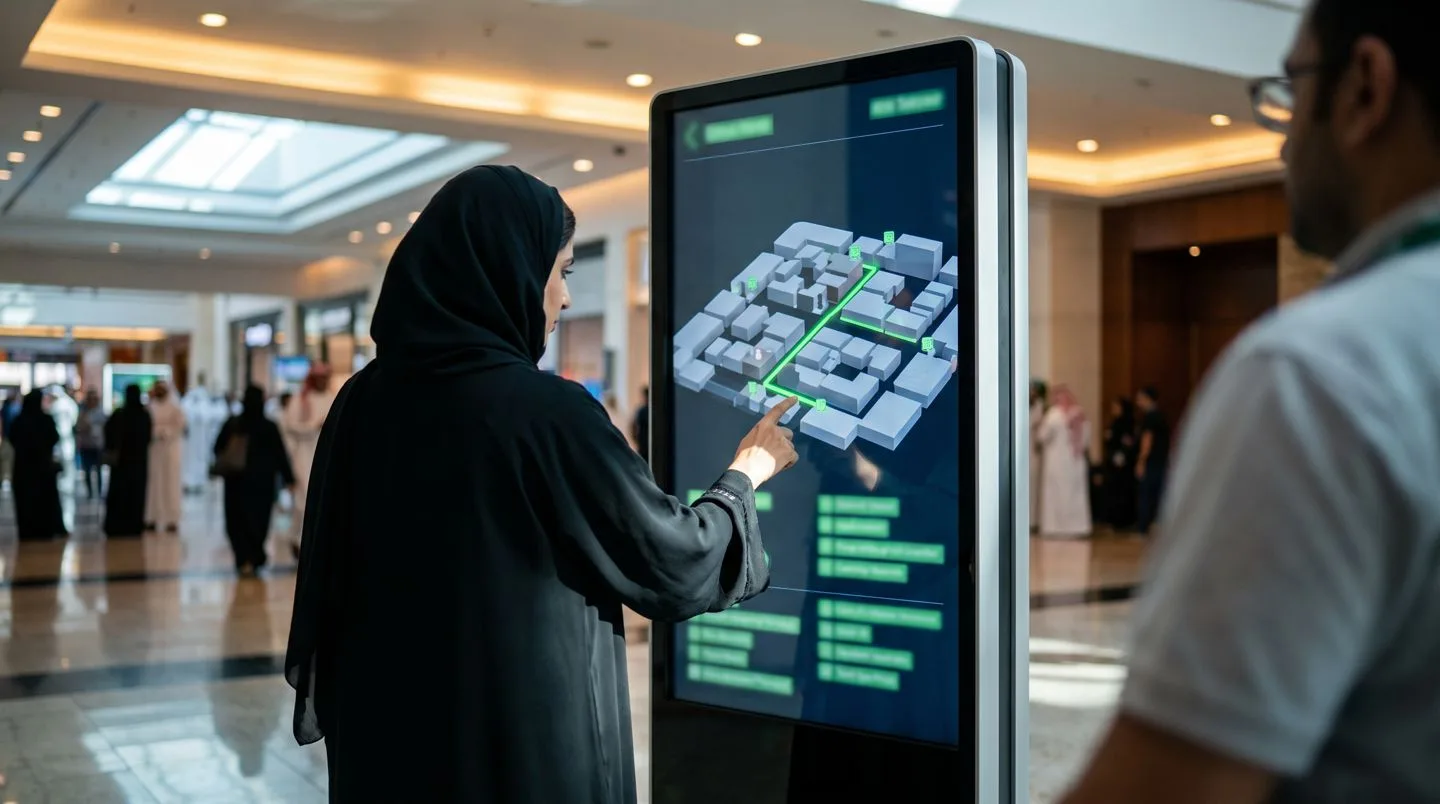
- Animated routes from any kiosk to any zone
- Turn-by-turn narration in a bilingual voice
- Crowd density shifts the estimates and flags queues
A visitor taps a destination and the screen draws a smooth animated path while a calm voice narrates the turns. Behind the glass, live data shows foot traffic and queue times, and emergency mode reroutes every path to the exits.
Play it: Tap any zone and the route draws itself from You Are Here. Raise the crowd slider, watch the heatmap breathe, then trigger emergency mode. Open COMPASS in the library.
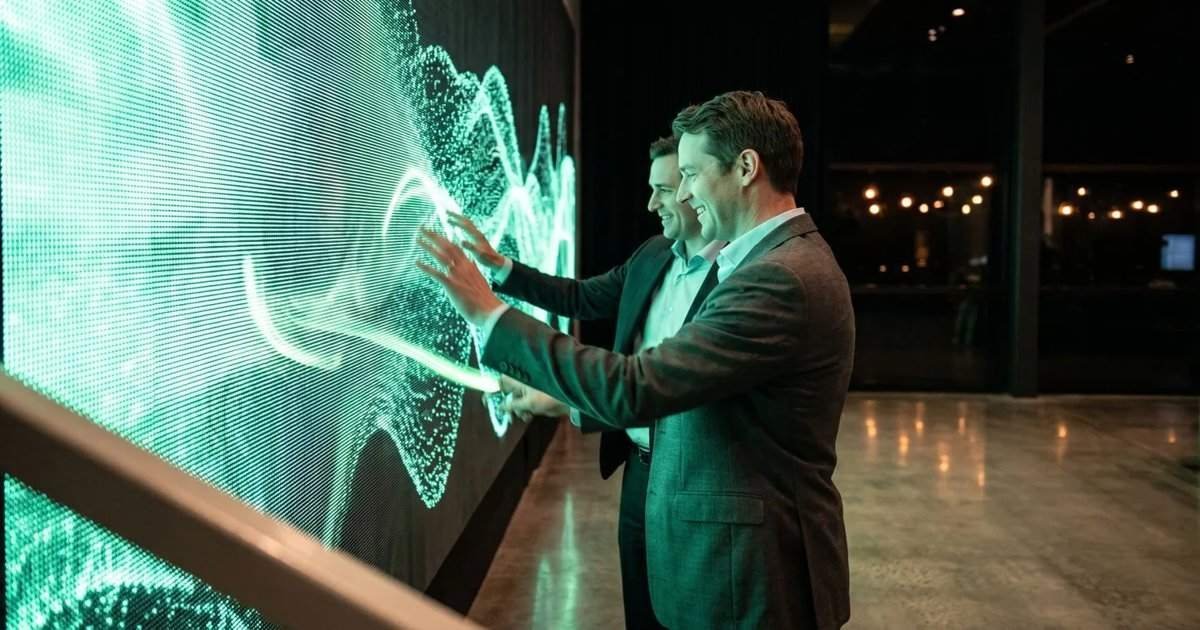
WALL · F-4056 · Interactive LED surfaces
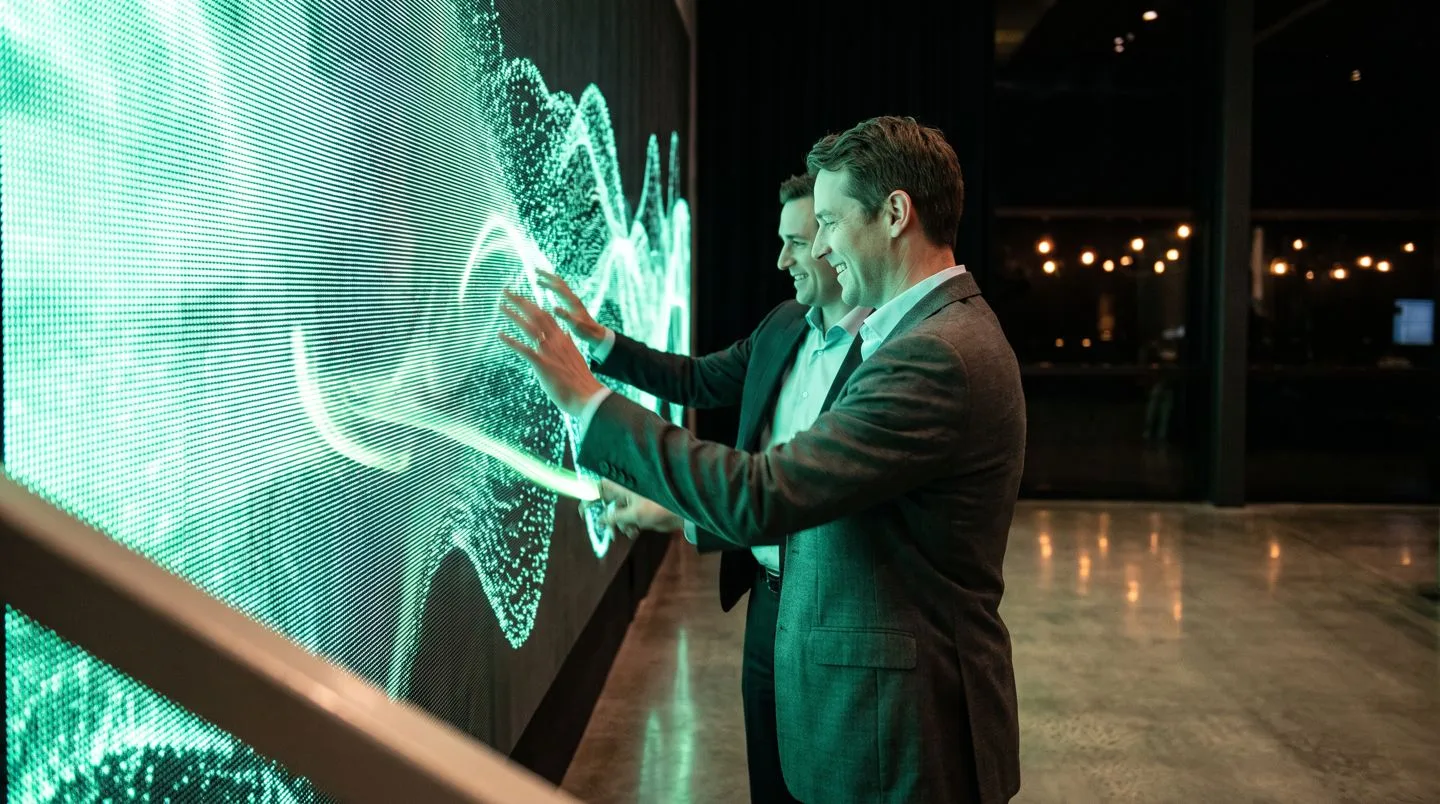
- Light answers touch in real time
- Trivia races across pillars with streaks and scores
- Tagged event photos land on the wall in branded frames, moderated live
The surface is the interface. Colour follows the visitor, content blooms under their fingers, a trivia race spans LED pillars and a moderated social wall streams event photos in branded frames.
Play it: Drag to paint light trails, then switch between brand reveal, trivia, social wall and particle modes. Every touch lands on the engagement board. Open WALL in the library.
NEXUS · F-6041 · Smart exhibition booths
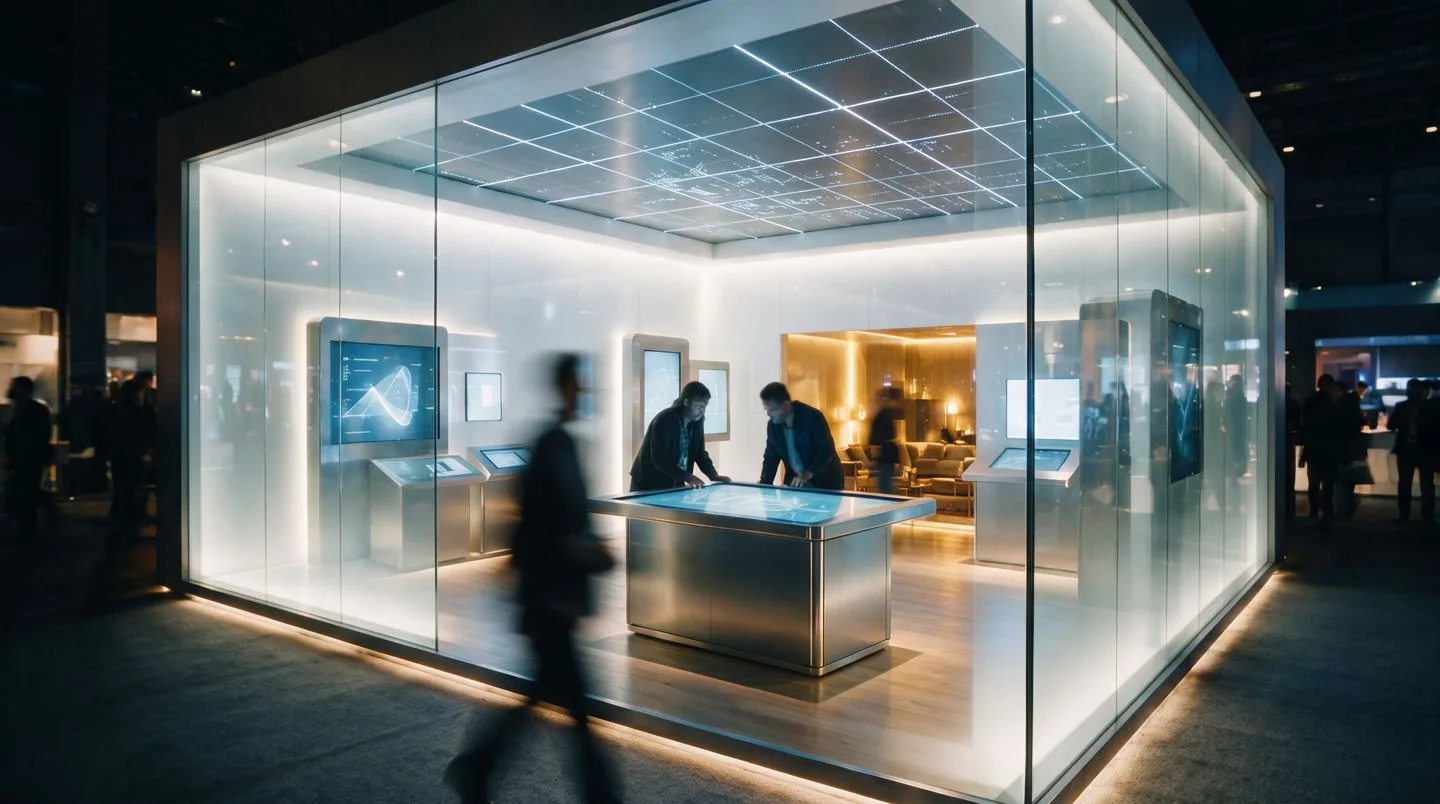
- Tables, kiosks, walls and ceiling, all responsive and branded
- Every zone reports to one dashboard
- Dwell per zone is counted so the layout learns from day one
The booth thinks. Touch tables show the catalogue, kiosks answer questions, overhead screens show live data and one controller counts who visited which zone and for how long.
Play it: Tap any zone on the floor plan: browse the product table, quiz the info kiosk, log a lead in the majlis, and send visitor groups through while the dashboard counts. Open NEXUS in the library.
Category 02: Interactive media and games
Attention becomes participation. Four products that pull the audience into the story.
PORTAL · F-5037 · AR and VR experiences
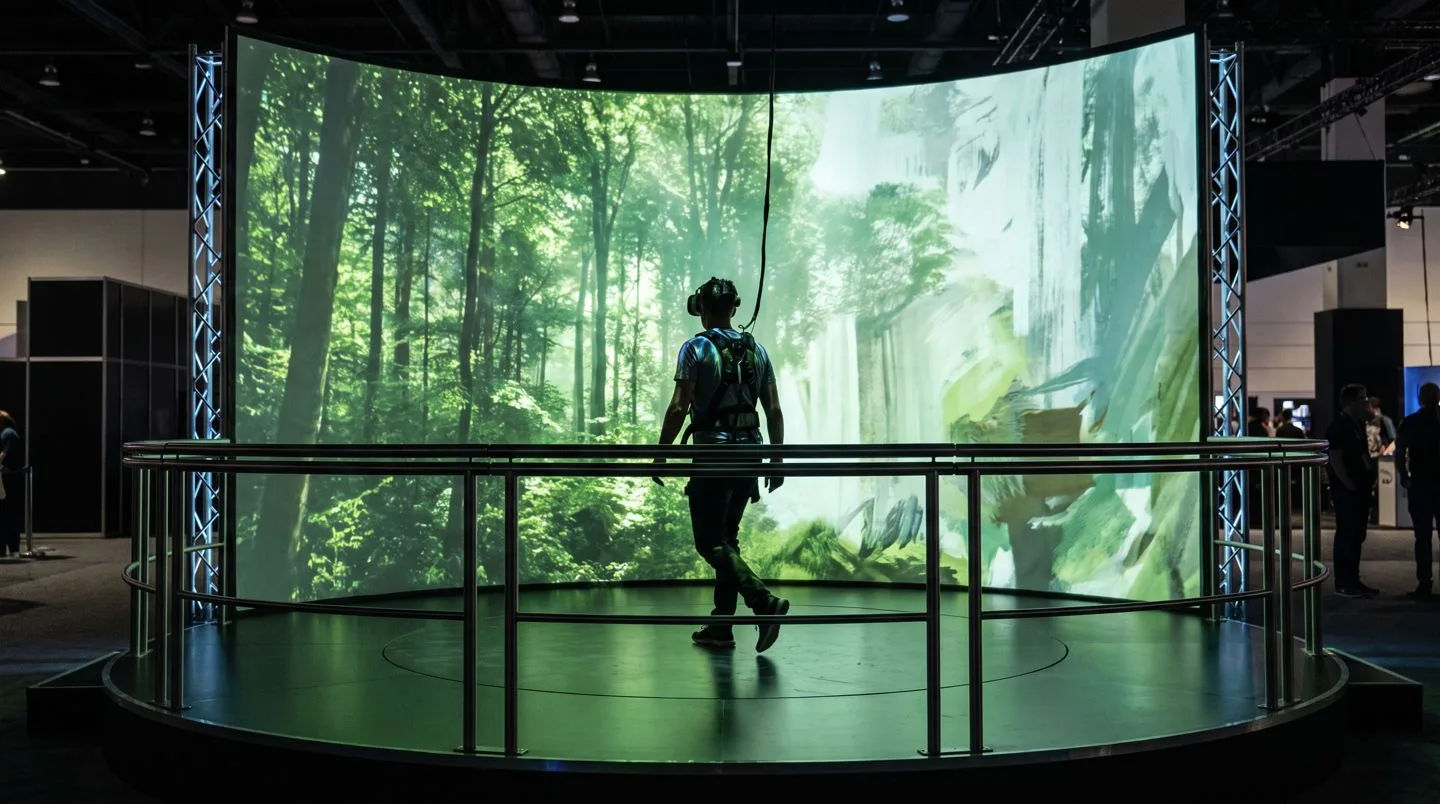
- True first-person presence
- Guided tours or free roam
- Comfort mode softens speed and field of view for every guest
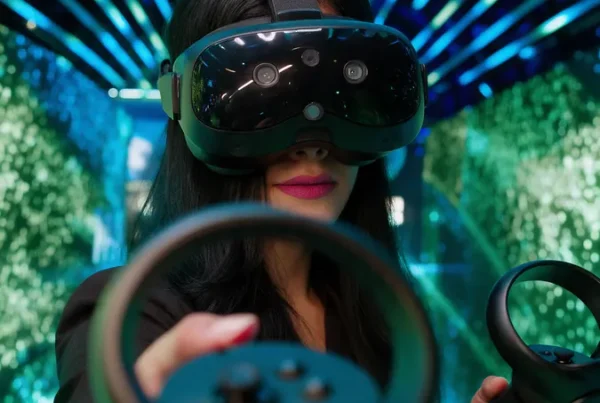
A trainee practises in a virtual facility, a buyer walks an unbuilt property, a guest stands inside history. Every interaction is logged: what they touched, how long they stayed and where they looked.
Play it: Walk the scene with the arrow keys, WASD or the on-screen pad and find all six glowing hotspots, or press Guided Tour and let the scene carry you. Open PORTAL in the library.
REFLEX · F-9064 · Custom games and engagement
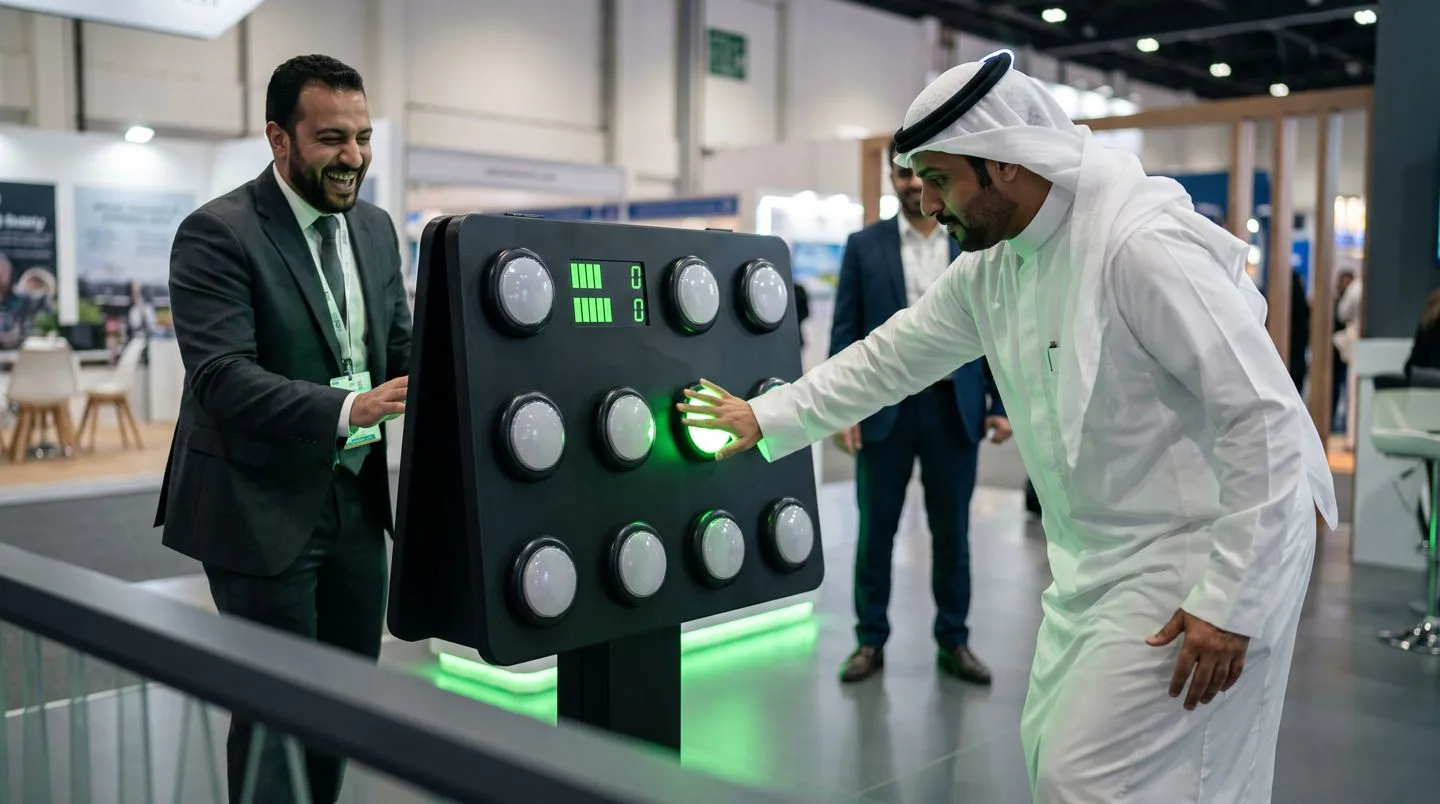
- Zero instructions: targets appear, hands move, a crowd forms
- Streaks, multipliers and a top-ten board
- Every target, question and sound carries the brand
A reaction challenge on a wall of light, a trivia race across pillars, a branded quiz that teaches while it entertains. The rules take seconds, and every score feeds a leaderboard that gives strangers something in common.
Play it: Thirty seconds on the clock. Tap the targets, keep the streak, gold targets score double and a miss breaks the streak. Switch to trivia, or take on NEO-9, the optional rival that does not go easy. Open REFLEX in the library.
PRISM · F-7053 · Projection mapping
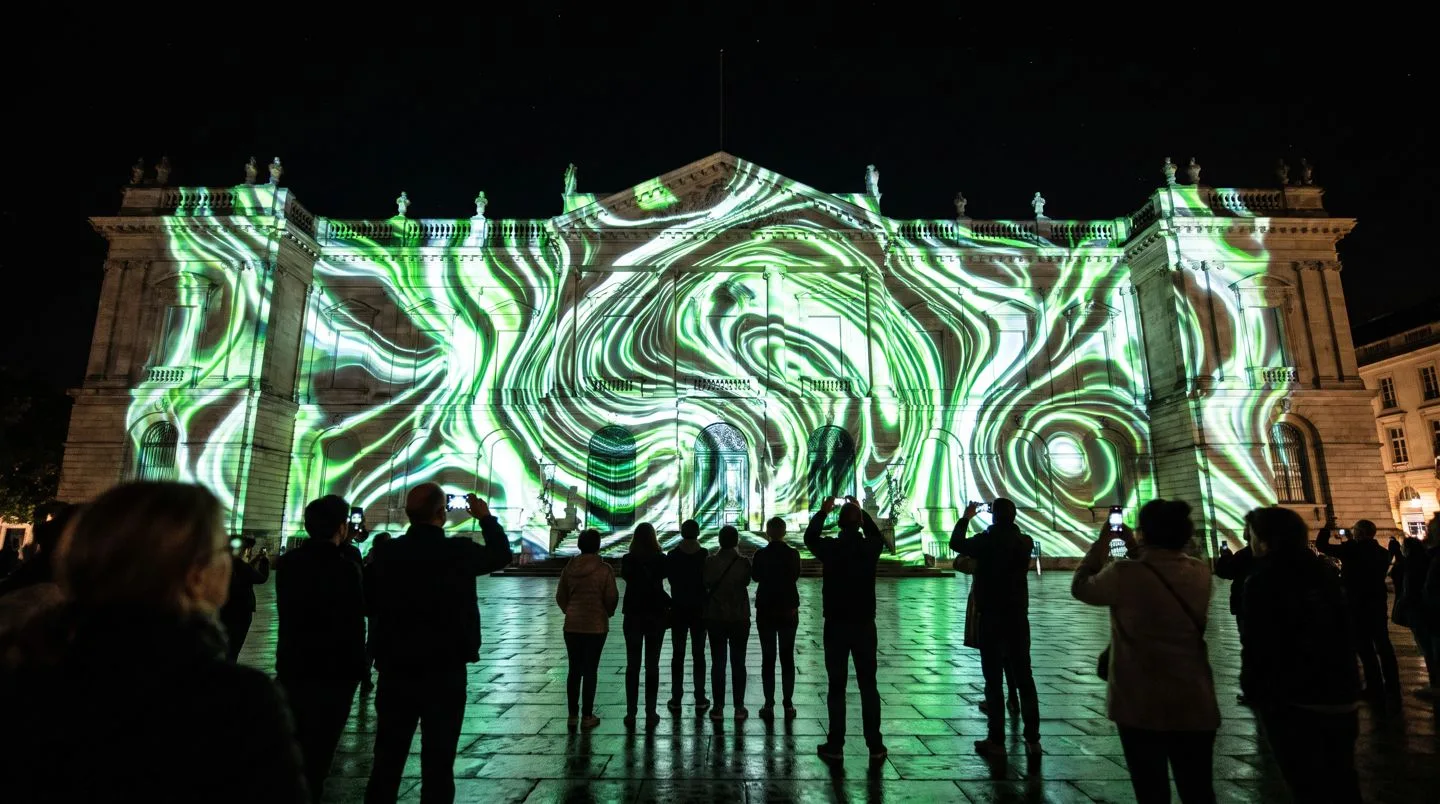
- Facades, products, stages and floors all become screens
- A 12-point mesh warps every pixel to the real geometry
- Multiple projectors blend and lock under one millisecond
The building breathes, the product box unfolds, the stage floor becomes an ocean. FAIM maps the geometry, creates the content and locks every projector together.
Play it: Switch between five content worlds, then drag the Misalign slider to watch the projection drift off the architecture and snap back when the mesh recalibrates. Open PRISM in the library.
PULSE · F-8017 · Kinetic installations
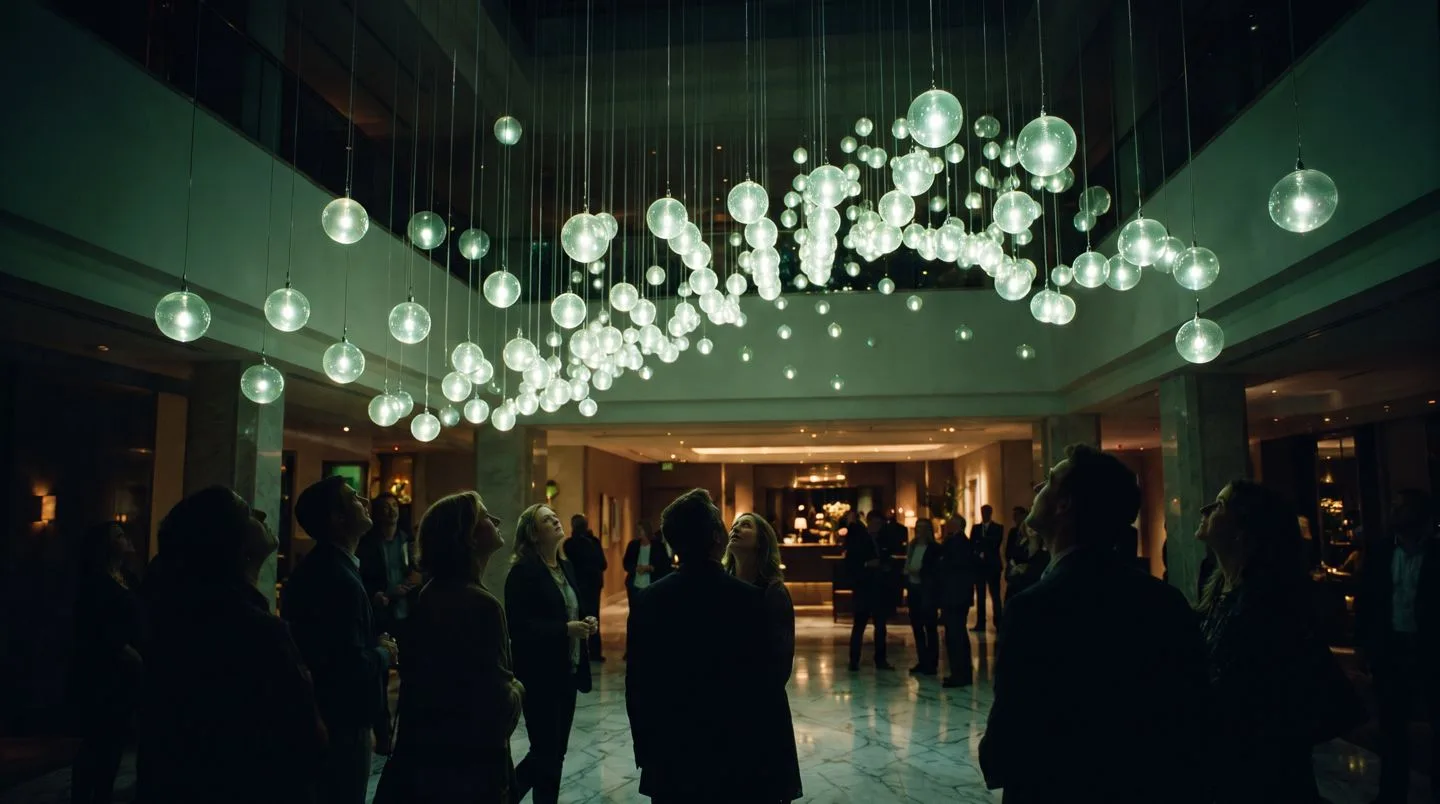
- Sixty-four winches move as one organism
- Tap tempo or audio input sets the beat
- Sales curves and live counts rendered in altitude
Hundreds of suspended elements move in choreographed waves above the crowd. Movement follows music, voice or data, so the ceiling becomes information you can see from across the hall.
Play it: Drag across the ceiling to paint waves by hand, switch between Ripple, Breathe, Cascade, Burst and Mexican Wave, tap the tempo and flip between 3D and plan view. Open PULSE in the library.
Category 03: Intelligence, web and apps
The thinking underneath. Four products that answer, build and report.
CORTEX · F-4029 · Event intelligence layer
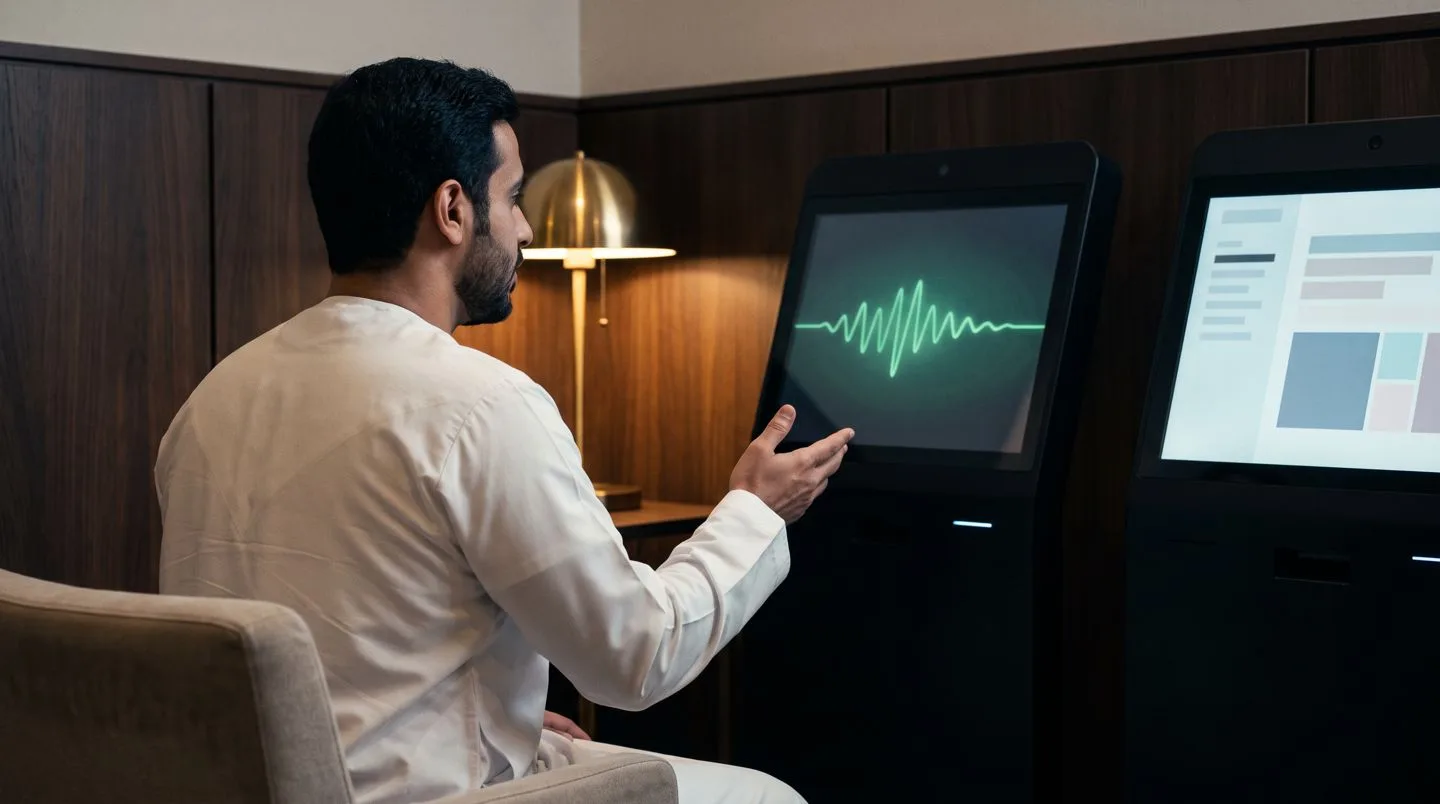
- Answers about sessions, food, parking and prayer times in four languages
- Anonymous visitor profiles: age band, group size, mood, never identity
- A live sentiment gauge across chat and crowd signals
One intelligence core behind every channel. Guests ask the event anything and get an answer, vision nodes profile the crowd anonymously, sentiment updates live, and the organiser reads one dashboard instead of forty group chats.
Play it: Ask the guest chat what an attendee would: lunch, keynote, wifi, prayer room. Then press New Visitor and watch the vision side profile the crowd while the gauges move. Open CORTEX in the library.
FORGE · F-9031 · Web experiences and apps
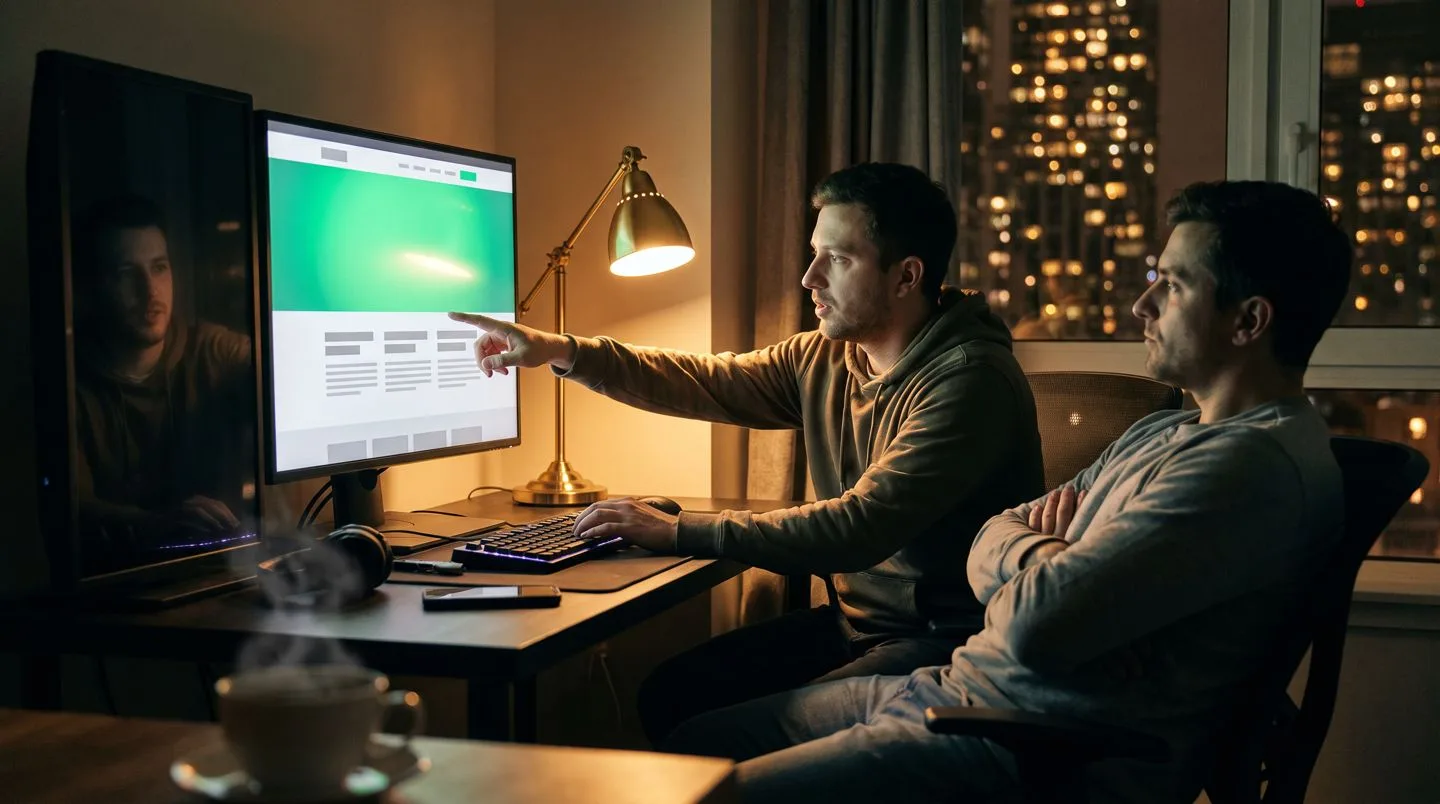
- Design tokens, motion and typography set once and kept true
- A two-second first-paint budget, enforced
- Desktop, tablet and mobile from one source
Websites that behave like experiences. Event microsites, corporate platforms, product pages and web apps, designed, animated and shipped by the same studio that builds the stand.
Play it: Pick a project type, press Build and watch the site assemble section by section inside the device frame. Swap the theme, flip to mobile, ship it again. Open FORGE in the library.
REEL · F-3098 · Content and film production
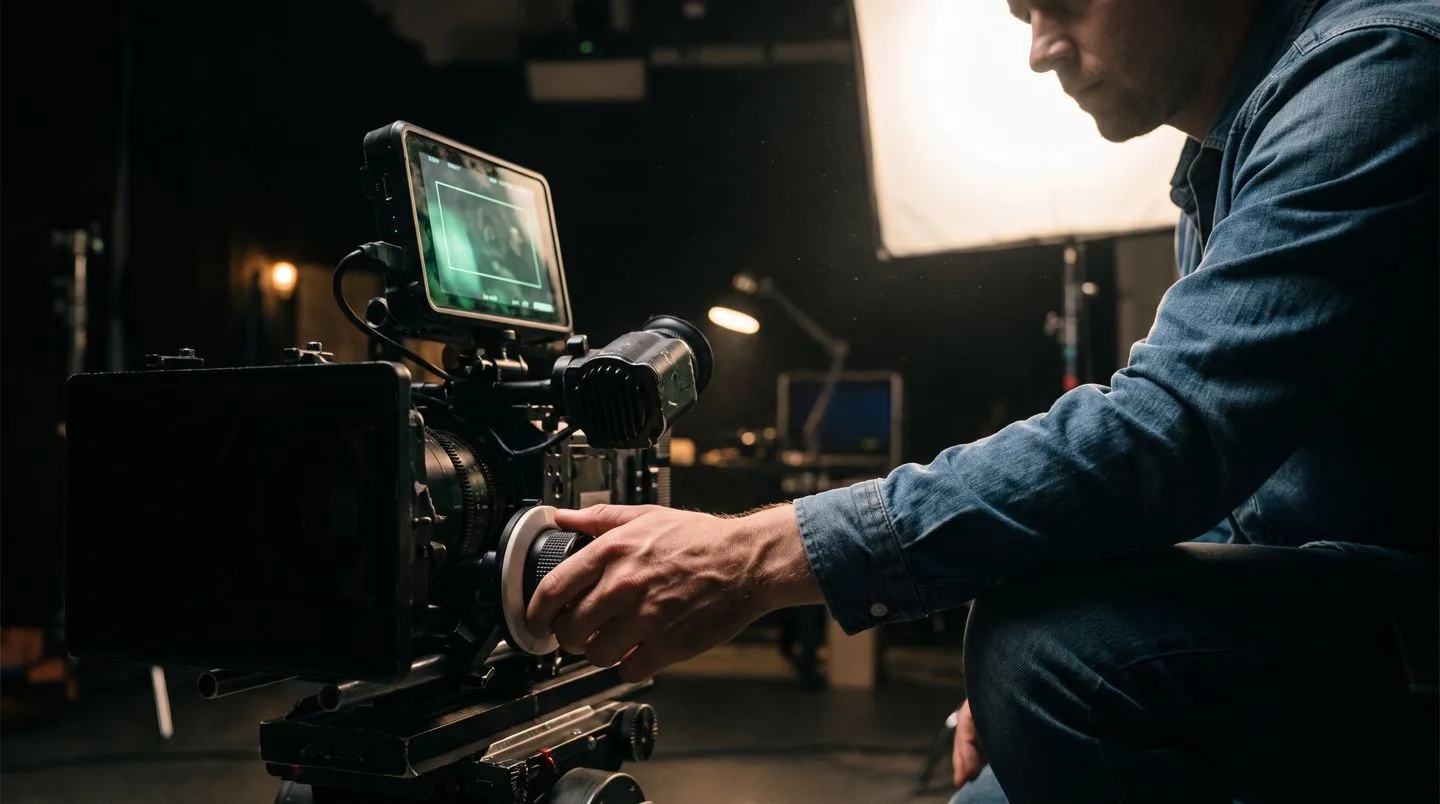
- No plastic skin, no fake glow, organic grain
- Camera units and generated shots cut together
- One master grade cut to 16:9, 9:16, 1:1 and LED walls
The FAIM film line: brand films, aftermovies, aerials, product films and human stories, made through a pipeline that mixes camera units and generated shots and still follows the house rule, Keep It Stupid Cinematic.
Play it: Play the six chapters of the reel, jump between them, flip on the behind-the-scenes overlay and tap reactions while the board logs your watch pattern. Open REEL in the library.
COMMIT · F-0019 · Event software and platforms
- Registration and ticketing open online
- Agenda and speakers sync to the app
- On-site systems feed one dashboard, and the report generates after the event
COMMIT is the software backbone underneath the other fifteen: registration, agenda, a unified live operations dashboard and a post-event analytics report. Its interactive participation side, where physical commitment builds a live collective scoreboard, comes from the One Mind 9 work. Open COMMIT in the catalogue.
Where the gamification lives
Play is not a feature of one product. It runs through the whole library. REFLEX and WALL have scores, streaks and leaderboards. CONCIERGE has a Rush Mode that clears twenty guests. PORTAL hides six hotspots to find. IGNITION lets you call a twelve-cue show. Every demo keeps a live session board, so the visitor sees their own impact the moment they act, and the client sees exactly what the floor version would measure.
That board is the point. On a real floor, the same counters become the post-event report: impressions, triggers, dwell, routes drawn, guests registered, leads logged. You can read more about how we wire that in lead capture on a stand and offline-first event applications.
Completed works proven on real floors
The library is not a set of concepts. Its Completed Works section links each idea to a delivered project, filmed on location. Watch the case:
- Interactive Hologram, HEC Dhahran Expo: holographic product storytelling live on the expo floor
- Aramco TeraPOWERS Event: inauguration technology and media for a flagship energy event
- Wayfinder at Aramco iktva: smart wayfinding across the iktva floor
- VR Safety Training, TASNEE: training people remember with their hands
- Reaction Game: the queue-builder, with a live leaderboard
- Interactive HUB, Aramco EXPEC: a permanent interactive installation
Clone or rebrand: two ways to deploy
Every product in the library can be built in one of two ways, and the library asks you to choose before you enquire.
- Express Deployment (Clone). Turnkey and event ready. Your logo, your colours, standard decals. Suited to fast turnarounds and secondary activation zones.
- Signature Customization (Rebrand). Custom 3D assets, tailored interface, altered interaction loops and custom fabricated enclosures, for title sponsors and centrepieces. Options include hardware camouflage that hides the technology inside your stand, API data integration so the product runs on your live data, and connected ecosystem sync, where one interaction triggers the whole room.
Mistakes we see
- Choosing a product from a photo. Play the prototype first, then decide.
- Buying three wow pieces that do not talk to each other. One connected stand beats three islands.
- Skipping the measurement plan. If the demo board means nothing to you, the post-event report will not either.
- Leaving the narration off when sharing with a decision maker. The eight-chapter voice-over does the selling in their own time.
Where it fits
- Holographic displays: PHANTOM, VAULT and BLADE
- Inauguration and launch experiences: IGNITION and PULSE
- Reception and registration: CONCIERGE
- Smart event technology: COMPASS and WALL
- Exhibition booths: NEXUS
- AR and VR: PORTAL
- Games and engagement: REFLEX
- Web and app development: FORGE, CORTEX and COMMIT
- Media and content production: REEL and PRISM
Questions clients ask
Do I need to install anything to try the products?
No. Every product opens in the browser on a phone, tablet or laptop. One tap on a card and the prototype runs.
Is the prototype the same as the floor version?
The prototype shows the interaction and the measurement exactly as the visitor would feel it. The floor version adds the real hardware, your content and your branding.
Can the narration play in a meeting?
Yes. Press Present With Narration and the page becomes a guided presentation with eight voice-over chapters, which works well on a meeting room screen.
How do I choose between sixteen products?
Ask JARVIS, the FAIM concierge on the library page, or tell us the problem on WhatsApp and we will suggest two or three to play first.
Can products be combined on one stand?
Yes, and that is usually where the best results come from. Connected ecosystem sync lets one interaction trigger several products at once.
More insights
- Touch, LED and laser: how an interactive kiosk triggers a laser show
- Ship the hologram, not the machine: interactive product demos on the show floor
- Why grown-ups play: the psychology behind gamification at events
- Movement draws the eye: kinetic installations for brand activations
- Beyond the flat screen: projection mapping on curved and irregular surfaces
- How a cylindrical hologram works: from CAD file to exhibition floor
- Designing touchscreens for an exhibition floor
Start with a conversation
Pick a product, or pick a problem. Either way, FAIM builds the experience. Engineered with care in Bahrain, deployed across the Gulf. Open the library WhatsApp FAIM
Joby Thuruthel / FAIM
Found this useful?