Technical story 01 · Holographic displays
The brief arrived as a 2.4 GB STEP file and one sentence: can you make this float. The file was a crawler crane. The venue was a carpeted hall in Dhahran with a 4 metre ceiling. The crane does not fit in the hall, the truck does not fit in the car park, and the client had three days of expo to make engineers care.
This is the story of what happens between that file and a visitor pinching the air to rotate a boom. It is the most-asked question we get on the holographic displays page, so here is the full path.
The short version. A cylindrical hologram is a transparent LED surface wrapped around a column, driven by a real-time engine running on a small computer in the base. The 3D model is optimised until it renders at full frame rate, the gestures are mapped to hand tracking, and nothing depends on venue internet.
What the client needed, and what they asked for
The ask was a hologram. The need was for engineers at a procurement expo to inspect a machine they could not stand next to, and for the stand to know who they were afterwards. Those are two different requirements, and the second one shaped the build more than the first. A hologram that only spins is a screensaver. One that lets an engineer open an assembly, read live telemetry and leave a contact is a sales tool.
So the conversation moved from “show the crane” to “let an engineer do the three things they would do at a real crane: walk around it, look inside it, and ask about it.” Everything below follows from that sentence.
Step one: the model has to lose weight
Engineering CAD is built for manufacturing, not for rendering. A crane STEP file carries every bolt thread and internal face. Pushed straight into a real-time engine it will render at a few frames a second, and a hologram at a few frames a second looks broken.
We retopologise the model into a real-time mesh: internal geometry removed, surfaces simplified where the eye cannot tell, detail kept on the parts an engineer will zoom into. The boom, the slew ring, the hydraulic cylinders stay sharp. The inside of a gearbox nobody can open goes. The target is a mesh that holds a steady frame rate on the column’s own hardware with headroom for the explode animation, which doubles the draw calls for a moment.
The practical rule: the model is finished when it looks like the machine from two metres away and still turns smoothly when a visitor whips their hand across the sensor.
Step two: render it locally
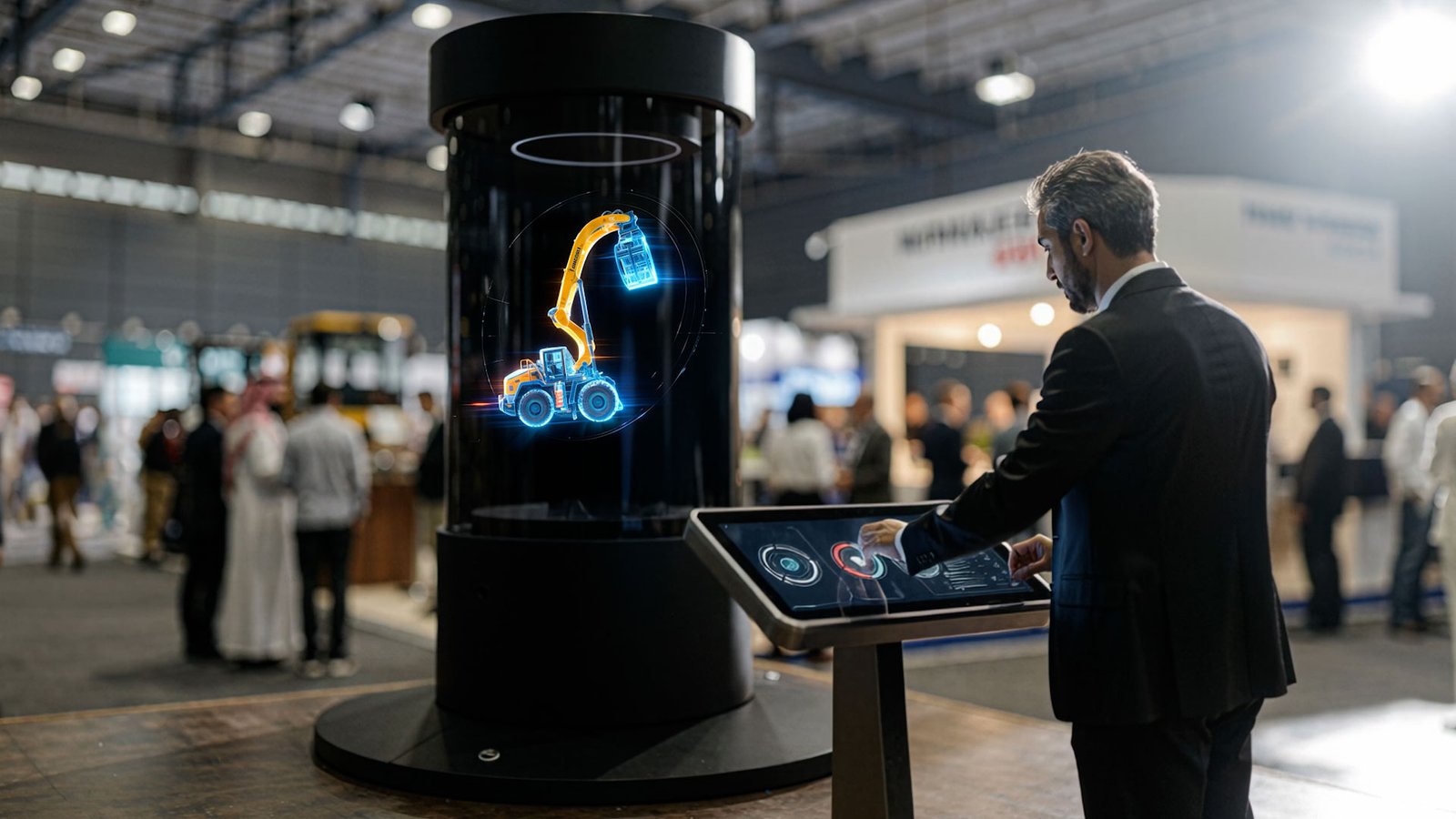
The HEC Dhahran column rendered in Unity on NVIDIA Jetson hardware inside its own base. That choice was not about performance alone. It was about the hall.
Exhibition Wi-Fi is shared with thousands of phones and a dozen stands streaming video. A hologram that pulls its frames from a server somewhere is a hologram that freezes at 11am on day one. Local rendering means the column is a sealed unit: power in, light out. We have never had a venue connection problem take down a locally rendered display, because there is no connection to have a problem.
Step three: map the gestures
The column at HEC used Ultraleap hand tracking. The sensor sees a hand above the base and reports the position of each finger many times a second. We map three gestures and no more:
- Pinch and drag rotates the model. This matches what people try first.
- Air tap explodes the assembly into its components.
- Open palm, held shows live telemetry on the part under the hand.
Three is the limit because a stand visitor gets no tutorial. If a gesture needs explaining, it fails. We also tune for the real population: gloves, long sleeves, a thobe cuff in the sensor’s view, and a child reaching up from below.
Step four: make the column calibrate to the room
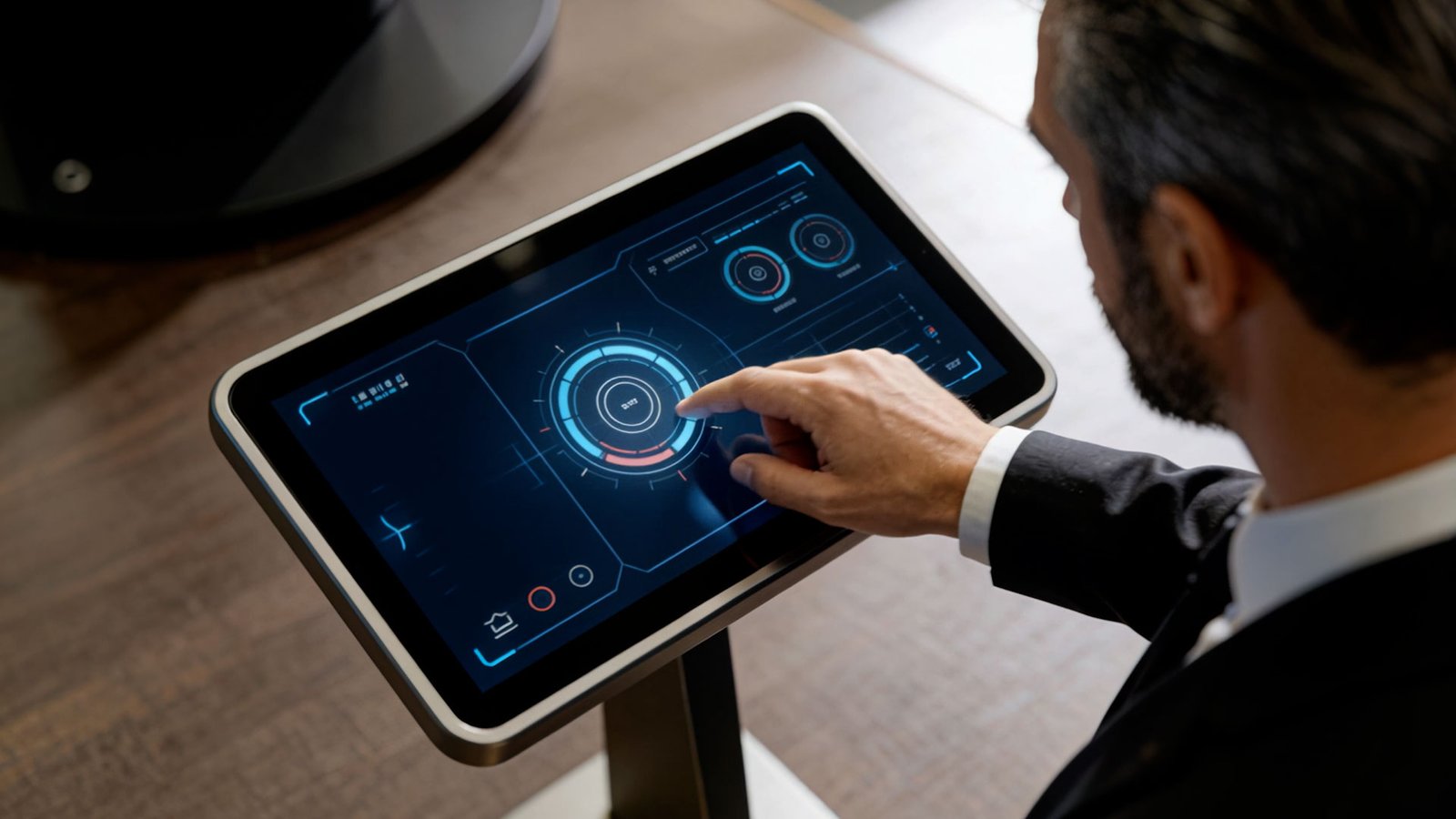
A transparent hologram is a fight with ambient light. Direct sun through a glass atrium will wash it out and no amount of brightness fixes that, which is why we say so at the plan stage rather than on the day. Under hall lighting, we set contrast and the dark background level on site, align the hand sensor’s active zone to the approach path, and run every gesture with someone who has never seen it.
What the numbers said
Across 72 hours at HEC Dhahran Expo the system logged 4,187 interactions, an average session of 4 minutes 42 seconds, and 83 percent of sessions completing the full component drill-down. The stand captured 217 qualified leads through on-screen capture at the end of a session. Holographic cubes also ran inside the Aramco TeraPOWERS experience.
The number we care about most is the 83 percent. People did not just stop. They went all the way in.
Where it fits
- Holographic displays: formats, spec and on-site support
- AI-powered exhibition booth: the stand around the column
- ECLIPSE: the cylindrical transparent hologram product
- SIBYL: the hologram that talks back
Questions clients ask
Can the hologram use our existing CAD?
Yes. STEP, IGES, SolidWorks exports, BIM and most product formats. We optimise them in studio and the originals never leave FAIM hardware; we remove them after delivery on request.
How long does the mesh work take?
It depends on the model. A single machine with a clean CAD file can be floor-ready inside the five to ten working day minimum. A full plant with many assemblies is a four to six week build.
Does it need a headset or glasses?
No. The cylindrical format is viewable by a crowd from any side with nothing worn.
What if the venue has bright daylight?
We will tell you before the build. Direct sun on a transparent column reduces contrast badly. In that case we recommend a volumetric or LED-fan format, or a position out of the light path.
More technical stories
- Designing touchscreens for an exhibition floor: glare, gloves and the two-tap rule
- Offline first: how we build event applications that survive the venue Wi-Fi
- Hand tracking on a stand: when touchless beats touch, and when it does not
- VR safety training that scores decisions: inside the Tasnee working-at-height build
- Lead capture on a stand: the architecture behind 217 qualified leads
- Multiscreen sync: driving every display on a stand from one content panel
- Show control for launches: one trigger, a countdown that waits, no second take
- Rendering for the wall: pixel maps, anamorphic corners and why 16:9 is not a plan
- Building a physical reaction game: Unity, custom circuits and a one-minute clock
Start with a conversation
Send the model, the venue and the dates. Holographic displays WhatsApp FAIM
Joby Thuruthel / FAIM
Found this useful?