Technical story 04 · Holograms, walls and games
The first thing most people do in front of a gesture-controlled display is wave at it. The second thing is wave harder. If the display does not respond to the wave in a way that teaches them the real gesture, the third thing they do is leave.
Hand tracking is one of the most asked-about tools on the holographic displays and games pages, and one of the easiest to get wrong. This is how we decide when to use it and how we make it work for a visitor who has no instructions.
Our test. A gesture is allowed on a stand only if a stranger discovers it within three seconds of trying. If it needs a sign, it is not a gesture, it is a manual.
When touchless wins
- The display cannot be touched. A transparent hologram column, a projection, a screen behind glass.
- Hygiene or gloves. Industrial audiences, medical events, food halls.
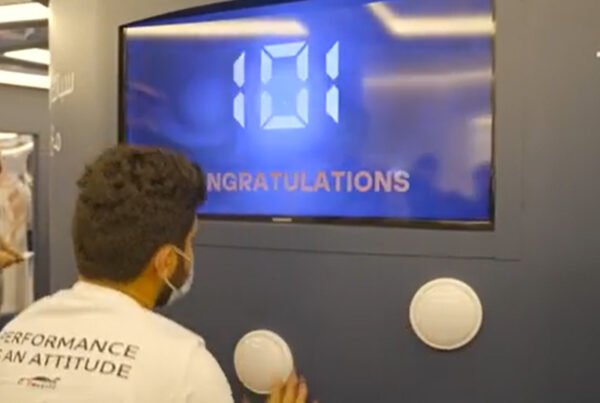
- The point is the body. Games where the player’s movement is the game, like our REFLEX demo.
- Distance. A wall two metres away that should respond to someone walking past.
When touch still wins
Anything with text entry, anything with more than three actions, anything a visitor needs to do precisely. Nobody should enter an email address in mid-air. At the HEC Dhahran stand the hologram was gesture controlled and the lead capture at the end was a touchscreen. Two tools, each doing the job it is good at.
Three gestures, no more
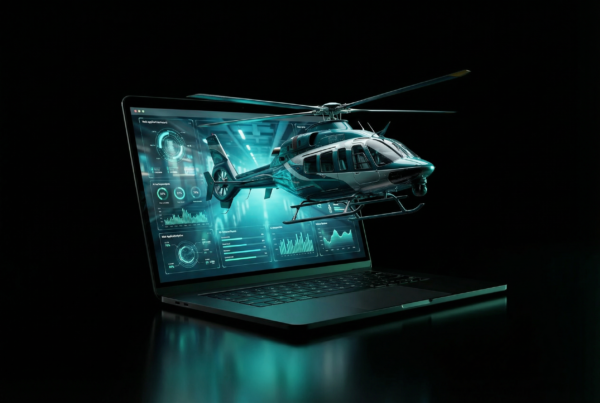
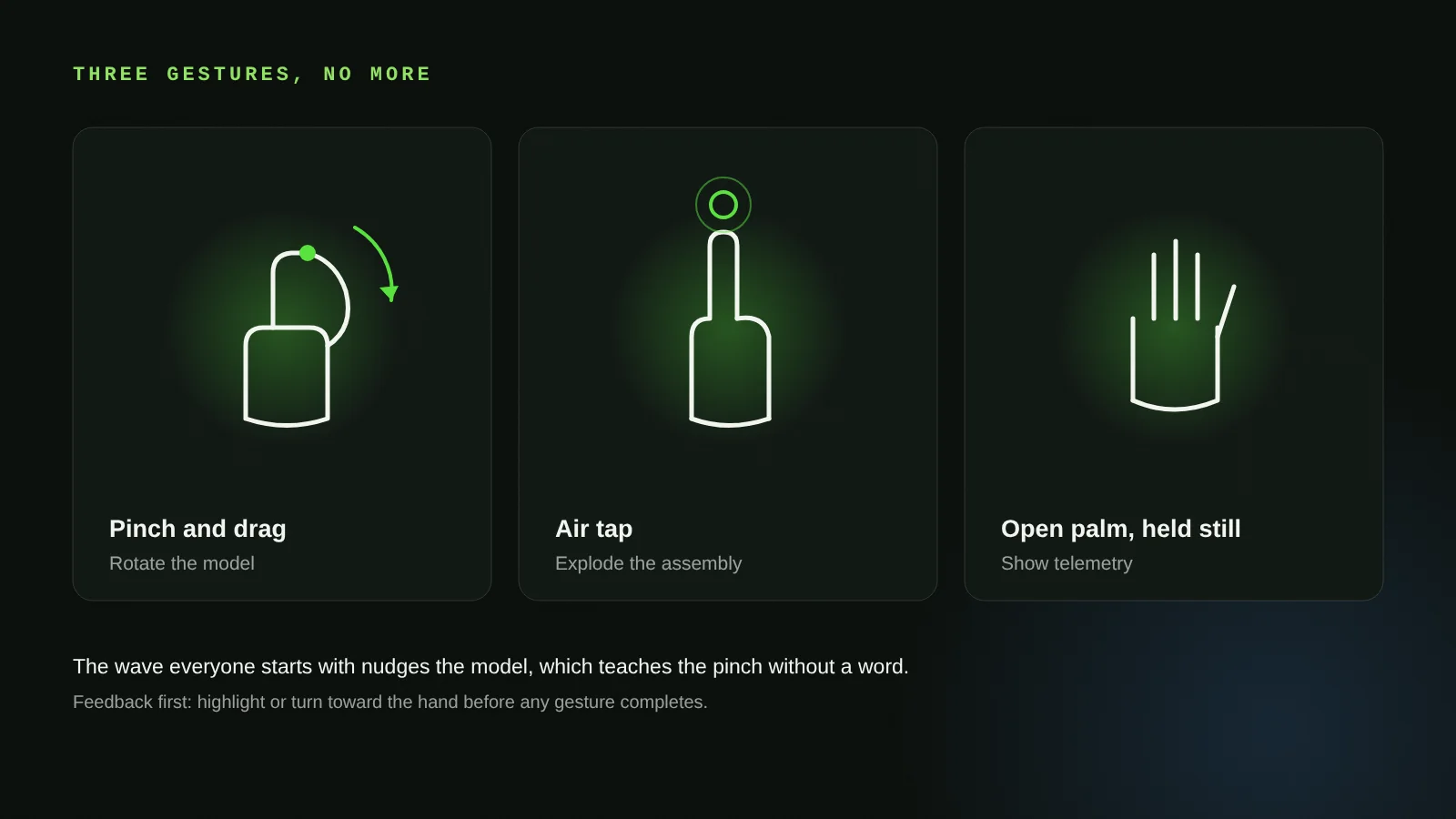
On the HEC column we used Ultraleap hand tracking and mapped exactly three gestures: pinch and drag to rotate, air tap to explode the assembly, and open palm held still for telemetry. Every one of them is something people try naturally. The system also responds to the wave everybody starts with: the model nudges in the direction of the wave, which teaches the pinch without a word.
Calibrating for real hands
Lab hands are clean, bare and at the right height. Floor hands are in gloves, under long sleeves, holding a phone, or belong to a child reaching up. We calibrate the sensor’s active zone to the approach path on site, widen the tolerance on the pinch so a gloved hand registers, and add a short timeout so a hand that drifts out of frame does not leave the model spinning.
The sleeve problem is real: a thobe or abaya cuff can occlude the wrist the tracker uses to orient the hand. We test with the actual audience’s clothing in mind and bias the recognition toward fingertips.
Feedback is the whole trick
A gesture system without feedback feels broken even when it works. The model has to respond to the hand’s presence before any gesture completes: a highlight, a slight rotation toward the hand, a cursor. Visitors then know they are being seen, and they slow down. That is what turned a 20-second glance into the 4 minute 42 second average session at HEC Dhahran.
Motion games: a different budget
For games like REFLEX, where the player’s whole body is the controller, we use depth cameras rather than close-range hand tracking and design for big, obvious movements that a crowd can see. Precision matters less than visibility: the people watching should understand what the player is doing, because they are the next players.
Where it fits
- Holographic displays
- Interactive games and audience engagement
- REFLEX: motion and gesture systems
- MYSTIQUE: touchless spatial command
Questions clients ask
Does gesture control work with gloves?
Yes, with calibration. We widen pinch tolerance and bias recognition to fingertips. We test on site with the gloves your audience actually wears.
How many gestures can a display support?
Technically many. On a stand we cap it at three, because visitors get no tutorial. More than three and discovery drops off sharply.
Can one display be both touch and gesture?
Yes, and often should be. Gesture for exploring, touch for anything precise such as capture forms or language choice.
Is hand tracking reliable under event lighting?
Infrared hand trackers work reliably under hall lighting. Direct sunlight on the sensor is the one condition we design around, usually with placement.
More technical stories
- How a cylindrical hologram works: from CAD file to exhibition floor
- Designing touchscreens for an exhibition floor: glare, gloves and the two-tap rule
- Offline first: how we build event applications that survive the venue Wi-Fi
- VR safety training that scores decisions: inside the Tasnee working-at-height build
- Lead capture on a stand: the architecture behind 217 qualified leads
- Multiscreen sync: driving every display on a stand from one content panel
- Show control for launches: one trigger, a countdown that waits, no second take
- Rendering for the wall: pixel maps, anamorphic corners and why 16:9 is not a plan
- Building a physical reaction game: Unity, custom circuits and a one-minute clock
Start with a conversation
Tell us what the visitor should be able to do with their hands. Try the REFLEX demo WhatsApp FAIM
Joby Thuruthel / FAIM
Found this useful?