Insight · Interactive stands
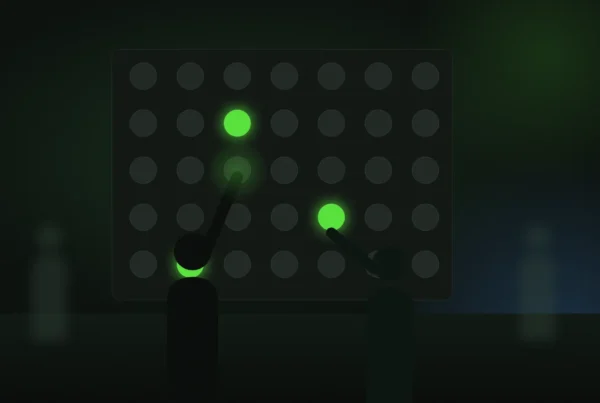
A visitor touches the wall to explore one product, and two other people start exploring different ones on the same surface. Five minutes later all three walk away with the specifications on their phones, and the stand team knows exactly what each of them looked at.
The short version. A stand should answer the visitor’s question before they ask it. Paper cannot do that. A well-built application can.
Touch that invites, not intimidates
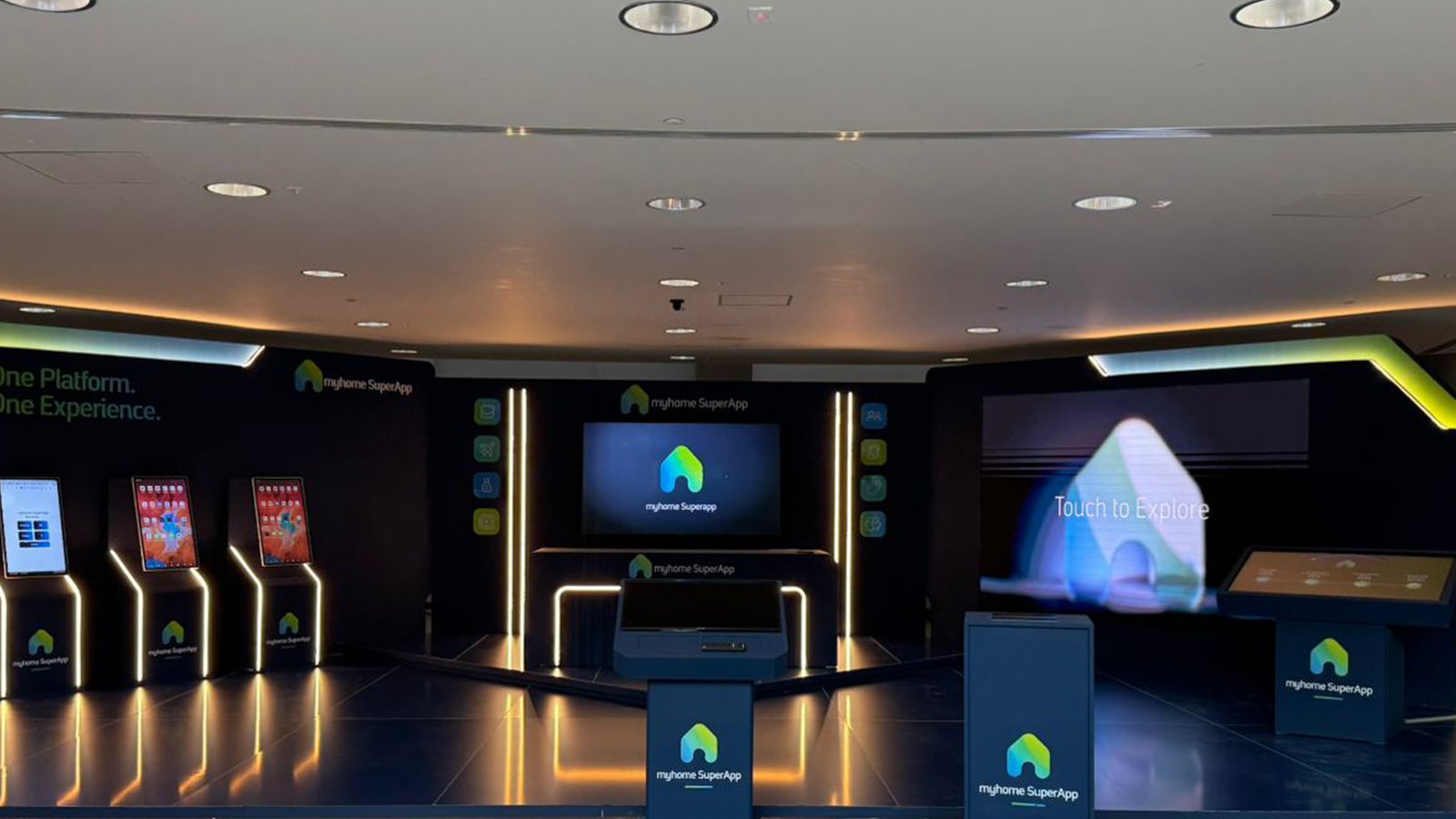
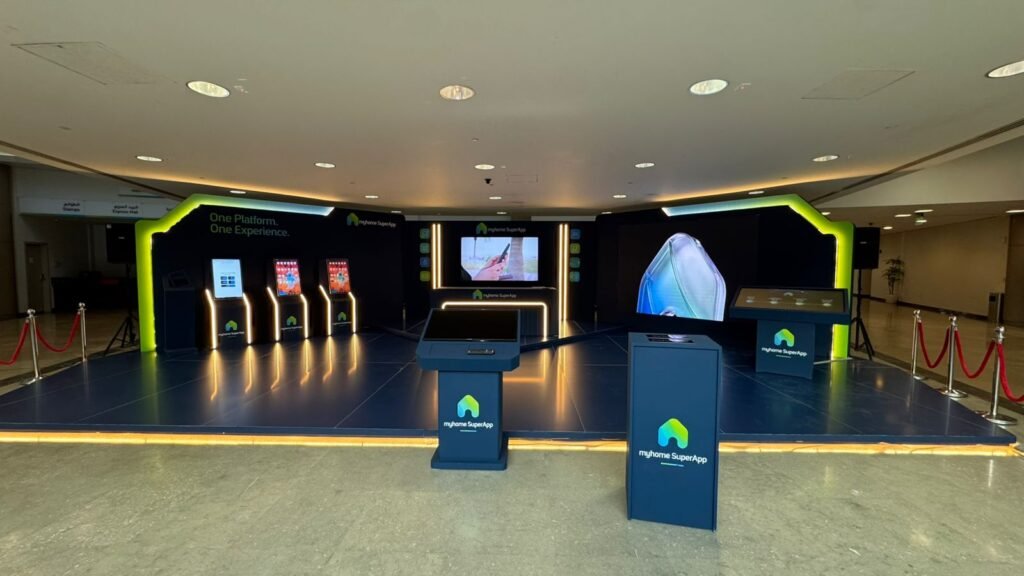
At the myhome SuperApp launch, a custom touch application covered the platform story and every service module, opening on a tap, and a Touch to Explore call to action pulled visitors from the walkway to the screen. Three vertical device displays showed live interface walkthroughs.
Many screens, one story
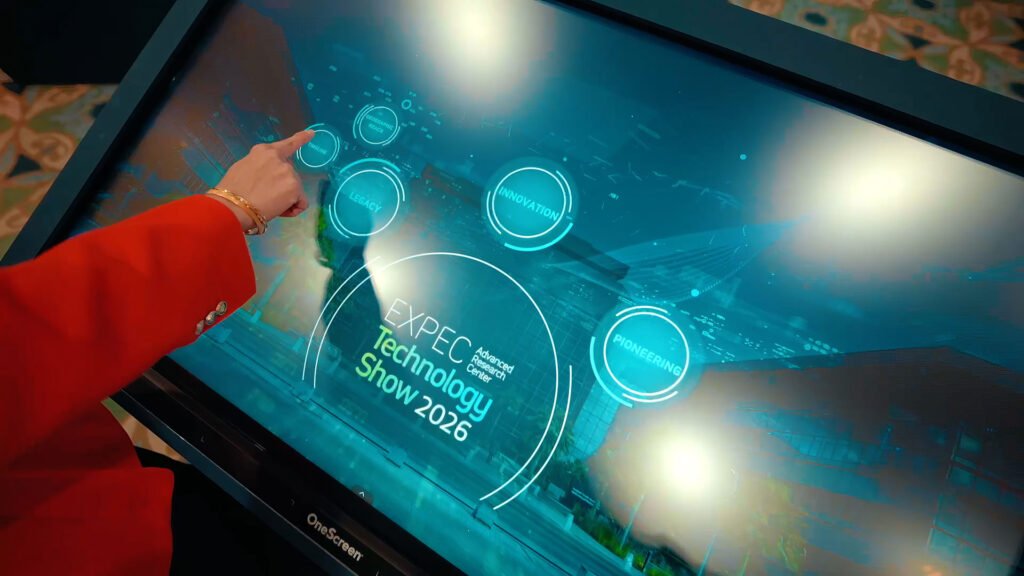
Every display on a stand should feel like part of one system. At the Interactive HUB at Aramco EXPEC, content, data and media synced across displays from one panel. Try the principle below: update the content once and watch every screen follow.
Several people, one surface
Large walls and tables can let several visitors explore at the same time without fighting over the screen. NEXUS touch tables and WALL interactive video walls are built for exactly this. The interface rules we follow are in our post on designing touchscreens for an exhibition floor.
The takeaway goes to the phone
Instead of a brochure, the visitor scans a code or taps a badge and gets exactly the documents they explored. The stand gets a record of interest, with consent, through VAULT. Everything runs on the local network so the hall Wi-Fi never decides whether the stand works.
Mistakes we see
- Screens that play loops nobody can change. If it cannot respond, it is a poster that uses electricity.
- Different content teams for each screen. The stand reads as one story only when one panel drives it.
- Interfaces designed at a desk. Glare, gloves and passing crowds change everything on a real floor.
- Brochures handed out anyway. Send the takeaway to the phone and know what each visitor cared about.
Where it fits
- AI-powered exhibition booth
- myhome SuperApp launch
- NEXUS: multi-user touch tables
- HALO: interactive touch hub
Questions clients ask
Is the software built for our brand?
Yes. Every interactive application is built for the specific brief, hardware and venue.
Can we update content during the show?
Yes. Content is driven from one panel and updates on every screen at once.
Does it work without internet?
Yes. The stand runs on its own local network.
More insights
- Don’t read it, play it: inside the FAIM JARVIS Experience Library
- A wall that keeps up with the room: real-time social walls, local first
- Beyond the flat screen: projection mapping on curved and irregular surfaces
- Movement draws the eye: kinetic installations for brand activations
- Smaller rooms, better deals: micro-events and invite-only workshops at trade shows
- How a cylindrical hologram works: from CAD file to exhibition floor
- Lead capture on a stand: the architecture behind 217 qualified leads
Start with a conversation
Tell us the event, the venue and what people should walk away remembering. Exhibition booth WhatsApp FAIM
Joby Thuruthel / FAIM
Found this useful?