Insight · Touch, LED and laser
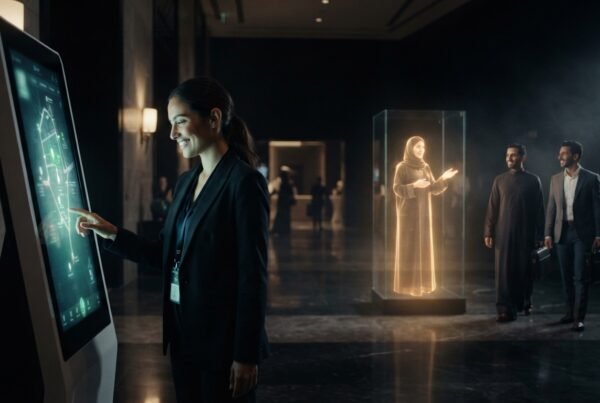
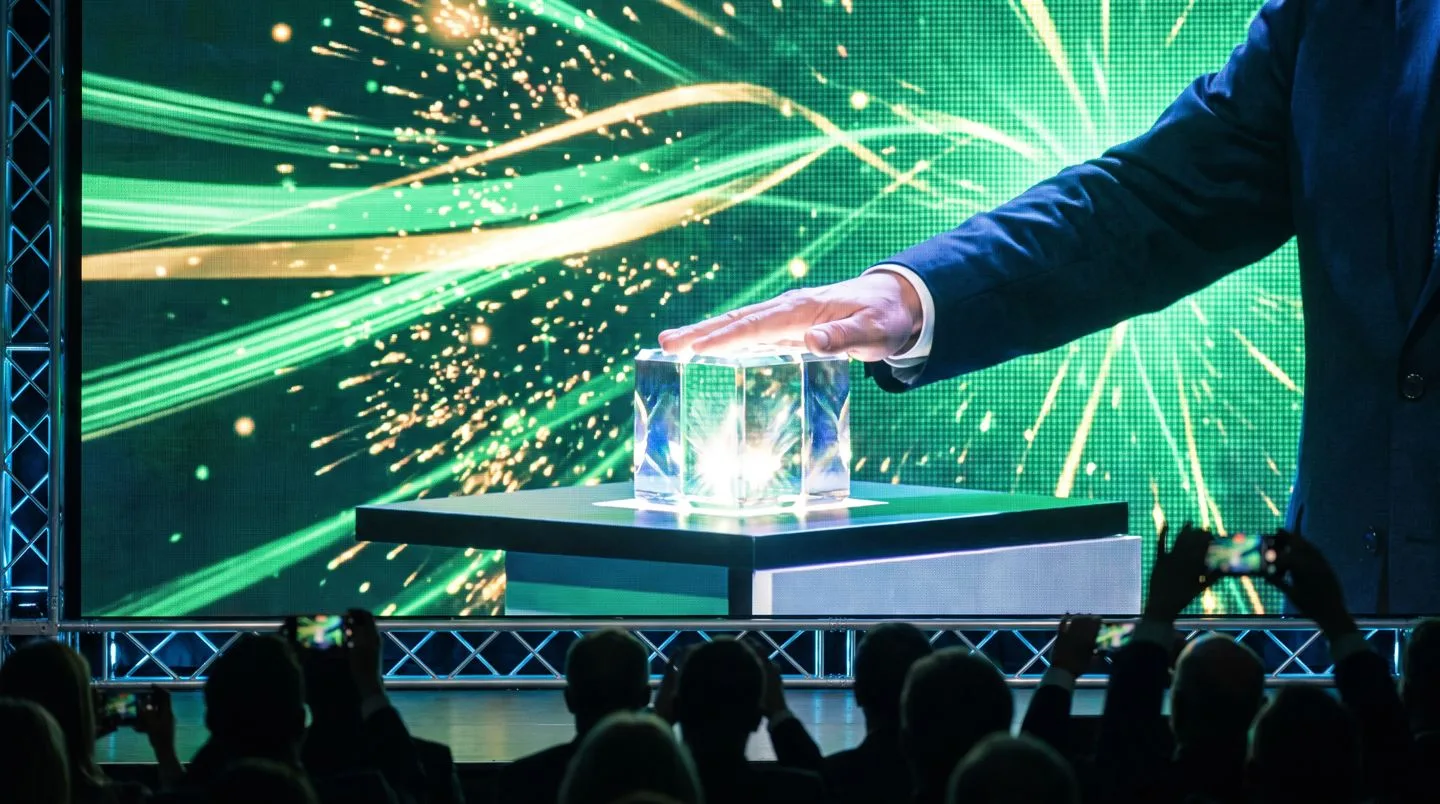
The guest of honour steps up to a pane of glass. Behind it, a dark LED wall. She touches the glowing core on the glass, and for a second nothing happens. Then light leaves the glass, crosses the room above everyone’s heads and lands on the wall, and the wall opens into the product. Nobody looks at their phone for the next forty seconds.
The short version. An interactive kiosk with laser content is three systems pretending to be one: a touch screen, an LED wall and a laser rig, all cued by one show controller. The wow comes from timing, alignment and story. Laser power and safety are jobs for qualified professionals, never for the kiosk app.
What an interactive kiosk and laser experience is
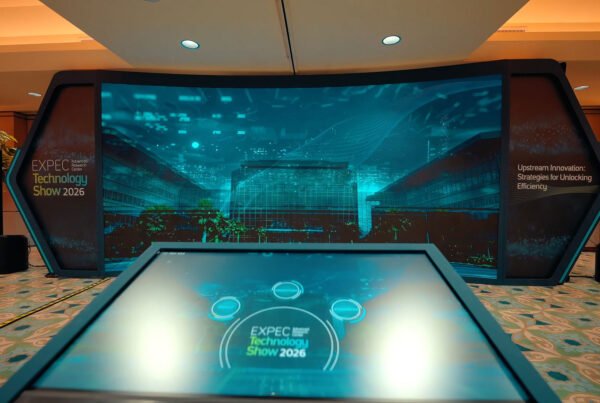
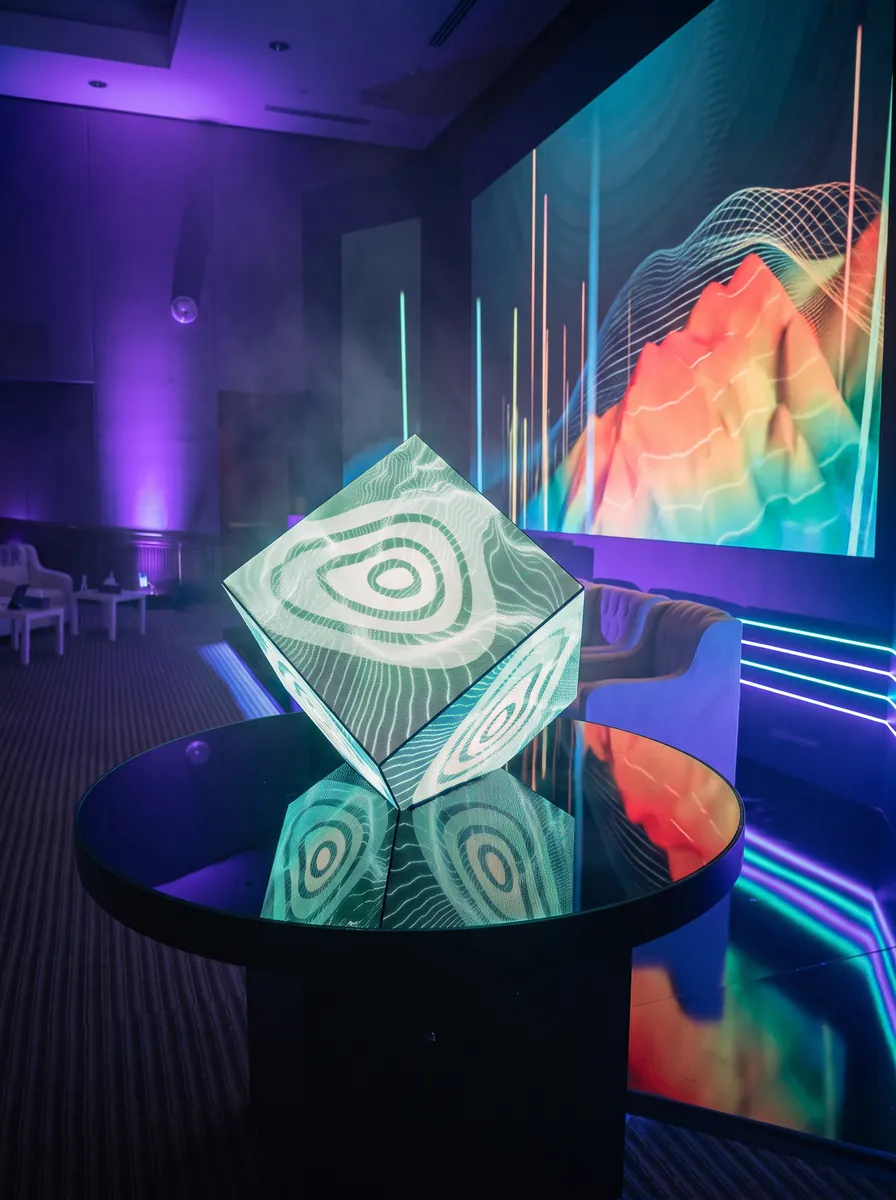
It is a single moment built from layers. A transparent or standard touchscreen sits in the foreground. A large LED wall fills the background. Professionally controlled laser beams connect the two through the air. When a visitor touches the kiosk, all three respond together, so the touch feels like it caused something much bigger than a screen.
FAIM builds this as part of its launch and inauguration work, combining the touch software, the screen content and the show control in one team, and working with licensed laser specialists for the beams themselves.
The five parts of the system
- The kiosk. A transparent OLED or LCD, or a conventional touchscreen, running a Unity, TouchDesigner or web application. It captures the touch, checks it is valid and sends a trigger. It also shows a fallback screen if anything downstream is not ready.
- The show controller. A media or show-control server, such as TouchDesigner, Resolume, WATCHOUT, Unreal Engine or a custom engine. It receives the trigger, checks every system is ready, and fires the cues in order. It logs everything and has a manual operator override.
- The LED wall. An LED processor and wall playing pre-rendered video or real-time graphics, mapped to the exact pixel canvas.
- The laser rig. A professional laser control system, such as Pangolin BEYOND, with pre-programmed cues, safety zones, masks, hardware interlocks and an emergency stop under an authorised operator.
- Everything else. Audio, lighting over DMX or Art-Net, sensors, cameras and, where needed, RFID or QR activation.
From touch to reveal, step by step
This is the high-level journey we design for. Every step is about readiness and timing, not about pointing lasers.
- A visitor approaches the kiosk, which is running a quiet attract loop.
- They choose a product, a name or an experience.
- The kiosk checks the input and sends one trigger to the show controller.
- The controller confirms the LED, audio and laser systems all report ready and safe.
- The LED wall starts its animation while audio and lighting cues begin.
- The laser operator’s system runs a pre-approved cue inside its configured safety zones.
- The effect appears to travel from the kiosk to the wall, and the reveal lands.
- The controller logs the run and everything returns to the attract loop.
Try the timing yourself. The lab below lets you fire a short cue sequence and see why order and spacing matter.
How the systems talk to each other
Most rigs use OSC (Open Sound Control) messages over UDP on an isolated local network with fixed addresses, because they arrive fast and need no handshake. Long-running connections between machines use TCP with a heartbeat, so the controller knows within a second if something drops. For shows that must hold to the frame, the controller can follow timecode such as SMPTE LTC, and the LED system can be genlocked.
The rule we follow is the same one behind our offline-first event applications: nothing in the show depends on the venue internet, and every device reports its state to one place. Read more in show control for launches: one trigger.
Making the moment feel like magic
- Continuity. The kiosk graphic, the beam and the wall animation share one colour, one direction and one rhythm, so the eye follows a single object.
- Alignment. Beams land on agreed points of the wall, measured on site, so the hand-off looks deliberate.
- Perspective. Wall content can be built with forced perspective for the main audience position, so it reads as depth rather than a flat screen.
- Sound and light. A short silence before the reveal and a hit on the reveal frame do more than any brightness.
- Instant feedback. The kiosk confirms the touch immediately, even before the room responds, so the guest never wonders if it worked.
- Camera moments. Plan where photographers stand. The reveal should look as good in a photo as it does in the room.
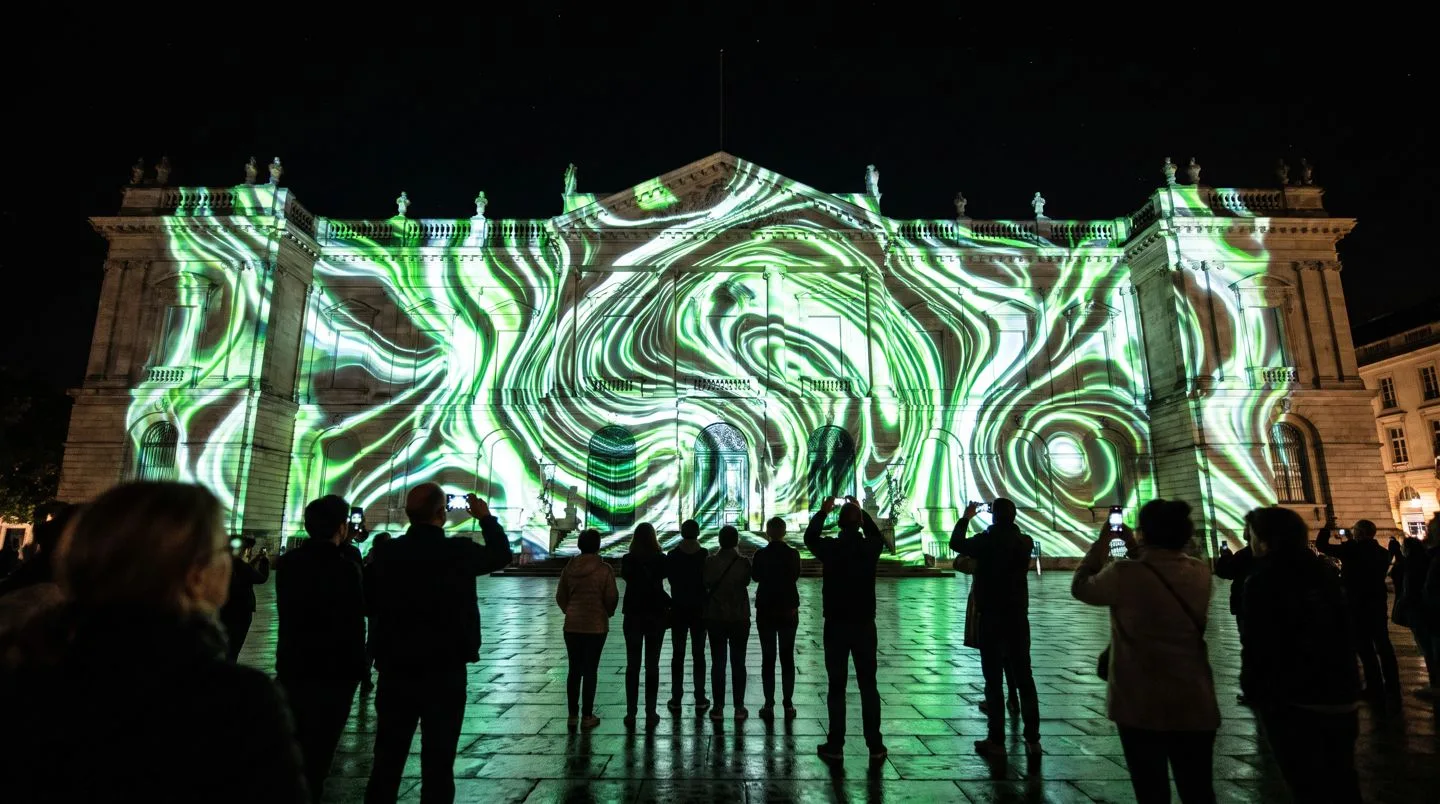
More laser power does not make a better show. Story, timing and alignment do. Haze, ambient light and the venue decide what is visible, and those choices belong to the laser specialist.
Laser safety comes first
Event lasers must be designed, approved and operated by qualified, licensed professionals, under the venue’s rules and the regulations of the country. That usually means safety zones that keep beams away from audience eye level, hardware interlocks, a tested emergency stop and an authorised operator present for every show. The kiosk never controls laser power or direction. It only asks the show controller to run a cue that the laser operator has already approved, and the controller refuses if any safety state is not ready.
Where it works
- Product launches. A single touch that triggers the reveal. See IGNITION.
- Exhibitions and pavilions. A kiosk that wakes the whole stand. See interactive exhibition booths.
- Automotive reveals. Light traces the outline before the wall shows the car.
- Luxury and jewellery. Small, precise beams and a slow reveal suit fine products better than spectacle.
- Government and cultural events. A dignitary’s touch that opens a national story on the wall. See Aramco TeraPOWERS for our inauguration work.
An illustrative scenario
This is an example to show how the parts fit together, not a completed FAIM client project.
A luxury brand wants a VIP guest to launch a product from a transparent touchscreen. The touch starts an energy sequence on the glass. The show controller checks every system and asks the laser operator’s system to run its approved cue, a line of light that crosses toward the wall. The LED wall picks up the line and opens into the product, with audio and lighting hitting the same frame. The controller logs the run and the kiosk returns to its attract loop, ready for the press photos.
Common problems and how we avoid them
- Drift between laser and screen. Separate clocks slip. One controller, one timeline and timecode where needed.
- Washed-out beams. Bright LED walls and venue lights hide beams. The laser specialist plans visibility, haze and placement for the actual venue.
- Touch offset on transparent screens. The gap between glass and touch layer shifts the touch point. We calibrate from where the guest actually stands.
- A trigger that does nothing. If any system is not ready, the kiosk shows a holding screen and the operator can run the show manually.
What affects cost and timeline
The main factors are the size of the LED wall, how much bespoke content the reveal needs, whether the kiosk is transparent, the number of laser cues, rehearsal time on site and the venue’s safety requirements. Our FAQ explains typical timelines. For a figure, send the brief on WhatsApp and we will come back with options.
Questions to ask before you commission one
- Who is the licensed laser operator, and what approvals does the venue need?
- What happens if one system is not ready at the moment of the touch?
- Can we rehearse the full sequence on site the day before?
- Who owns the content after the event?
- How will the moment look on camera?
Why one integrated studio helps
Laser suppliers own the beams, AV companies own the screens and agencies own the idea. The moment fails in the gaps between them. FAIM writes the touch application, makes the wall content, runs the show control and rehearses the whole sequence with the laser specialist, so one team is responsible for the moment working.
Where it fits
- Inauguration and launch experiences
- Smart event technology
- Interactive exhibition booths
- Media and content production
- Holographic displays
Questions clients ask
Can a touchscreen really trigger a laser show?
Yes. The touch sends a trigger to a show controller, which runs a laser cue that a licensed operator has already programmed and approved. The touchscreen never controls the laser directly.
Is a transparent touchscreen necessary?
No. It makes the layering more striking, but a conventional touchscreen works with the same system.
How do the laser and LED wall stay in sync?
One show controller fires every cue from a single timeline over a local network, with timecode where the show needs frame accuracy.
Are lasers safe at events?
They can be, when a qualified operator designs safety zones, uses interlocks and an emergency stop, and follows venue and local rules.
Do you work across the Gulf?
Yes. FAIM is based in Bahrain and delivers across Saudi Arabia, the UAE, Qatar and the wider Gulf.
More insights
- Show control for launches and inaugurations: one trigger
- Beyond the flat screen: projection mapping on curved surfaces
- Rendering content for LED walls and anamorphic screens
- Inside the FAIM JARVIS Experience Library
Start with a conversation
Tell us the moment, the venue and who presses the button. Launch experiences WhatsApp FAIM
Joby Thuruthel / FAIM
Found this useful?