Technical story 02 · Smart event technology
A 55 inch totem, a hall with 20,000 visitors, and a woman holding a coffee in one hand and a lanyard in the other. She wants hall 3. She has one thumb free and about four seconds of patience. If the first screen she sees is a menu, she walks on and asks a security guard.
That is the design brief for every touchscreen we put on a floor. Not a persona, not a user journey map. One thumb, four seconds, a coffee. This story is about what follows from taking that seriously, and it sits behind the smart event technology page.
The rule we design to. Any visitor should reach the thing they came for in two taps. If it takes three, the screen is doing the organiser’s job instead of the visitor’s.
What clients ask for, and what the floor demands
Clients ask for a touchscreen that shows the programme, the exhibitor list, the map, the sponsors and a welcome video. All reasonable. The floor demands something narrower: the one thing this visitor needs, immediately, with no reading.
At Aramco iktva the one thing was wayfinding. So the first screen was a map with a search box, nothing else. The programme, speakers and exhibitor directory were all there, one tap deeper, but the first screen answered the question most people had. That ordering came from standing in the hall the year before and counting what people asked the help desk.
Touch targets: bigger than you think
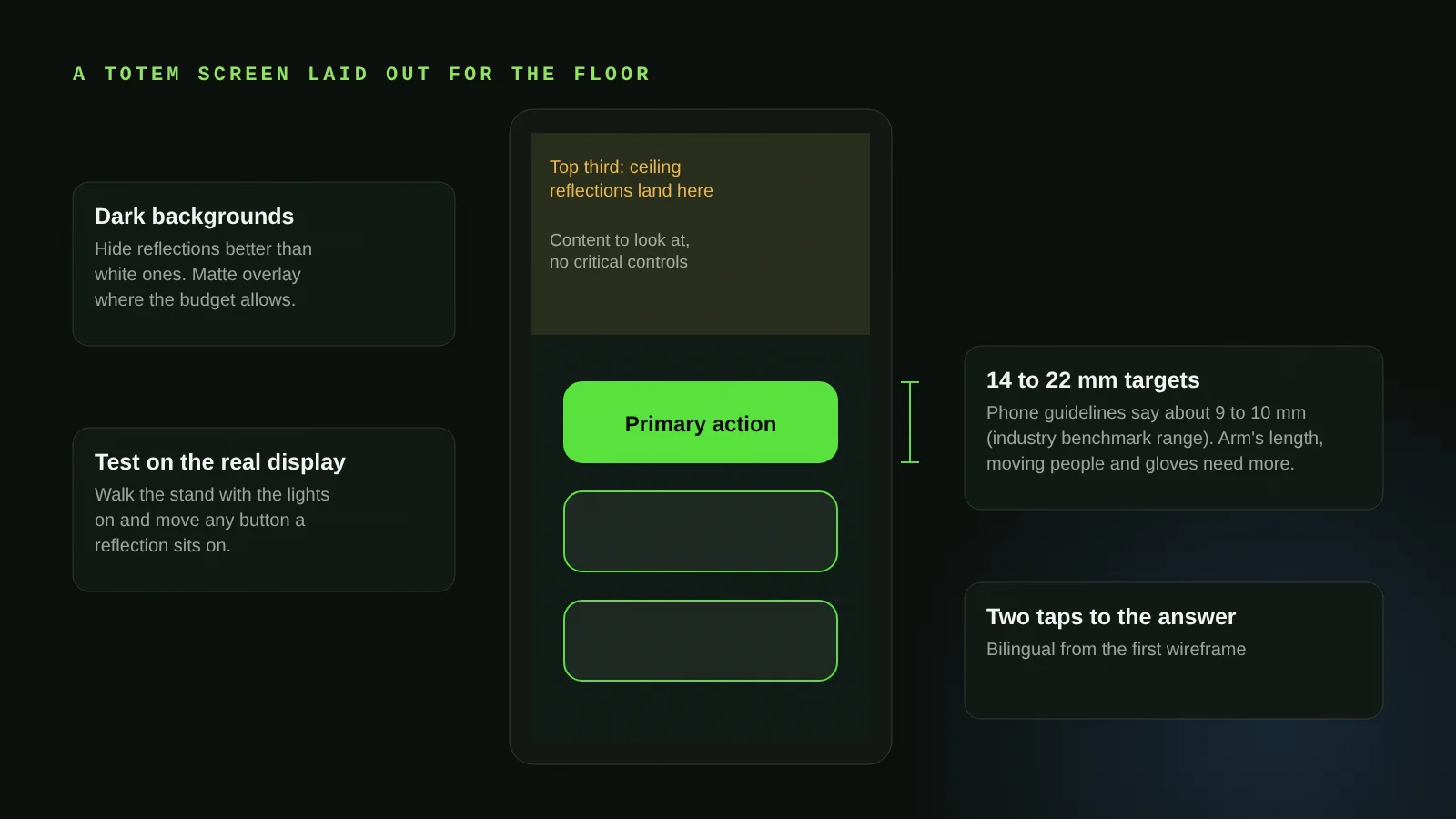
Interface guidelines written for phones put the minimum touch target at roughly 9 to 10 mm (industry benchmark range). Phones are held in one hand at 30 cm. A totem is touched at arm’s length by someone who is moving, sometimes in a glove, sometimes with a reflection sitting exactly where the button is. We size primary actions at 14 to 22 mm on event screens and we test them on the real display, never on a laptop.
Glare is a layout problem, not a brightness problem
Every hall has a light source that lands on the screen. Turning the brightness up helps a little and makes the glare worse. What works is layout: critical controls kept out of the top third of the screen where ceiling lights reflect, dark backgrounds that hide reflections better than white ones, and a matte overlay on the glass where the budget allows. We walk the stand with the lights on and move buttons if a reflection sits on them.
Presence sensing: the screen should notice people
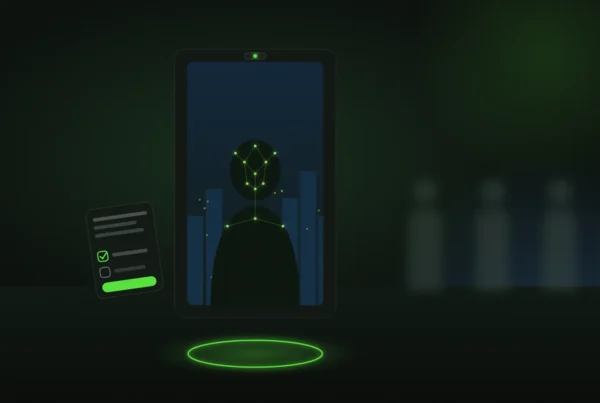
A touchscreen that sits on a static welcome image looks like signage, and people do not touch signage. We add a depth camera or a simple presence sensor so the screen wakes and invites as someone approaches, then resets when they leave so the next visitor never inherits a stranger’s half-finished session. The myhome SuperApp stand used a plain Touch to Explore prompt that pulled visitors from the walkway; the trick is that it only appeared when someone was close enough to act on it.
Multiscreen: one brain, many faces
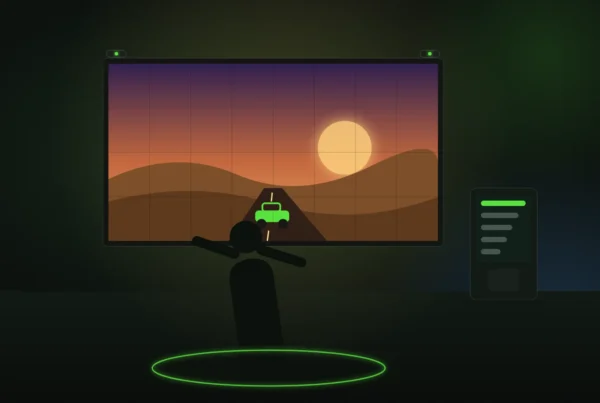
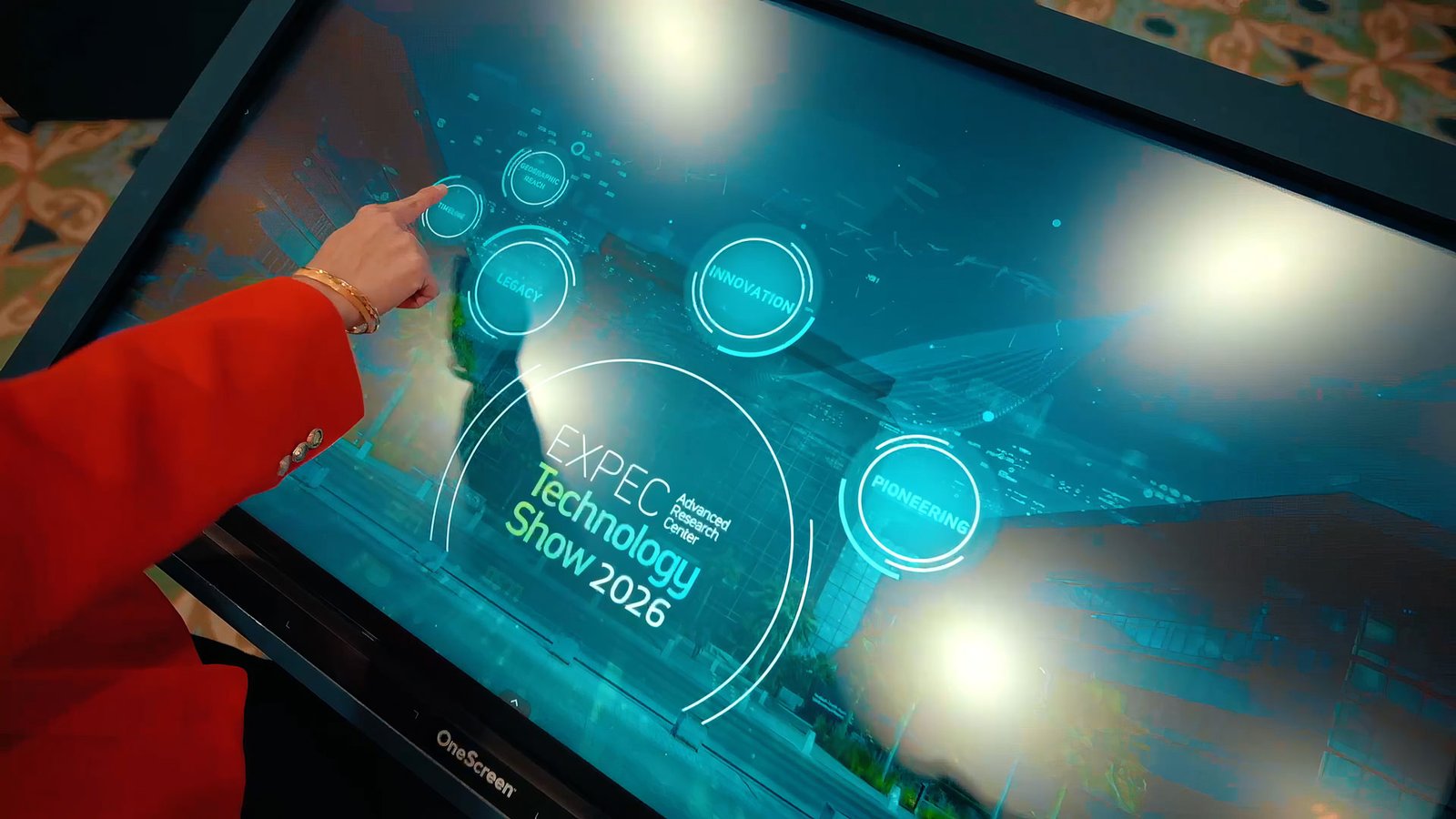
At the EXPEC ARC Technology Show the HUB ran content, data and media synced across multiple displays from a single touch-native interface. The visitor touched one screen; the others responded. That is a content architecture decision, not a hardware one: one content source, one state, many renderers. We cover the mechanics in the multiscreen sync story.
Bilingual from the first wireframe
Arabic is not a translation layer added at the end. Right-to-left changes where the eye starts, where the back button lives and how long a label is. We design both layouts together and the language switch is on every screen, one tap, large.
What we measure
Interaction counts, dwell time per screen, the most-opened content and the point where visitors abandon. If a screen shows a high abandon rate on step two, step two is wrong, and we change it during the event from the admin panel.
Where it fits
- Smart event technology: wayfinders, touch walls, data displays
- Web and application development: the software behind the screen
- COMPASS and POLARIS: wayfinding products
- HALO: the drag-to-centre touch hub
Questions clients ask
Can the wayfinder also run on phones?
Yes. The same map runs in the phone browser from a QR code on the totem, with no app to install, so the directions walk with the visitor.
Do you use off-the-shelf kiosk software?
No. Every interface is built for the specific brief, hardware and venue, with an admin panel so your team can change content without us.
What screen sizes do you work with?
Touch totems and kiosks from 32 to 86 inches, touch tables, and LED walls with touch overlays. The interface is designed for the exact size it will run on.
What happens if the venue internet fails?
Nothing the visitor can see. The application runs on a local network; anything online, such as analytics sync, catches up later.
More technical stories
- How a cylindrical hologram works: from CAD file to exhibition floor
- Offline first: how we build event applications that survive the venue Wi-Fi
- Hand tracking on a stand: when touchless beats touch, and when it does not
- VR safety training that scores decisions: inside the Tasnee working-at-height build
- Lead capture on a stand: the architecture behind 217 qualified leads
- Multiscreen sync: driving every display on a stand from one content panel
- Show control for launches: one trigger, a countdown that waits, no second take
- Rendering for the wall: pixel maps, anamorphic corners and why 16:9 is not a plan
- Building a physical reaction game: Unity, custom circuits and a one-minute clock
Start with a conversation
Send the venue plan and the screens you have in mind. Smart event technology WhatsApp FAIM
Joby Thuruthel / FAIM
Found this useful?