Technical story 07 · Smart event technology
A product manager spots a typo on the main wall at 9:15. By 9:40 three screens show the fix and three still show the typo, because someone is walking the stand with a USB stick and a borrowed keyboard. By 10:00 one screen has the fix twice and the video on another has stopped. This is a normal morning on a stand with six independent displays.
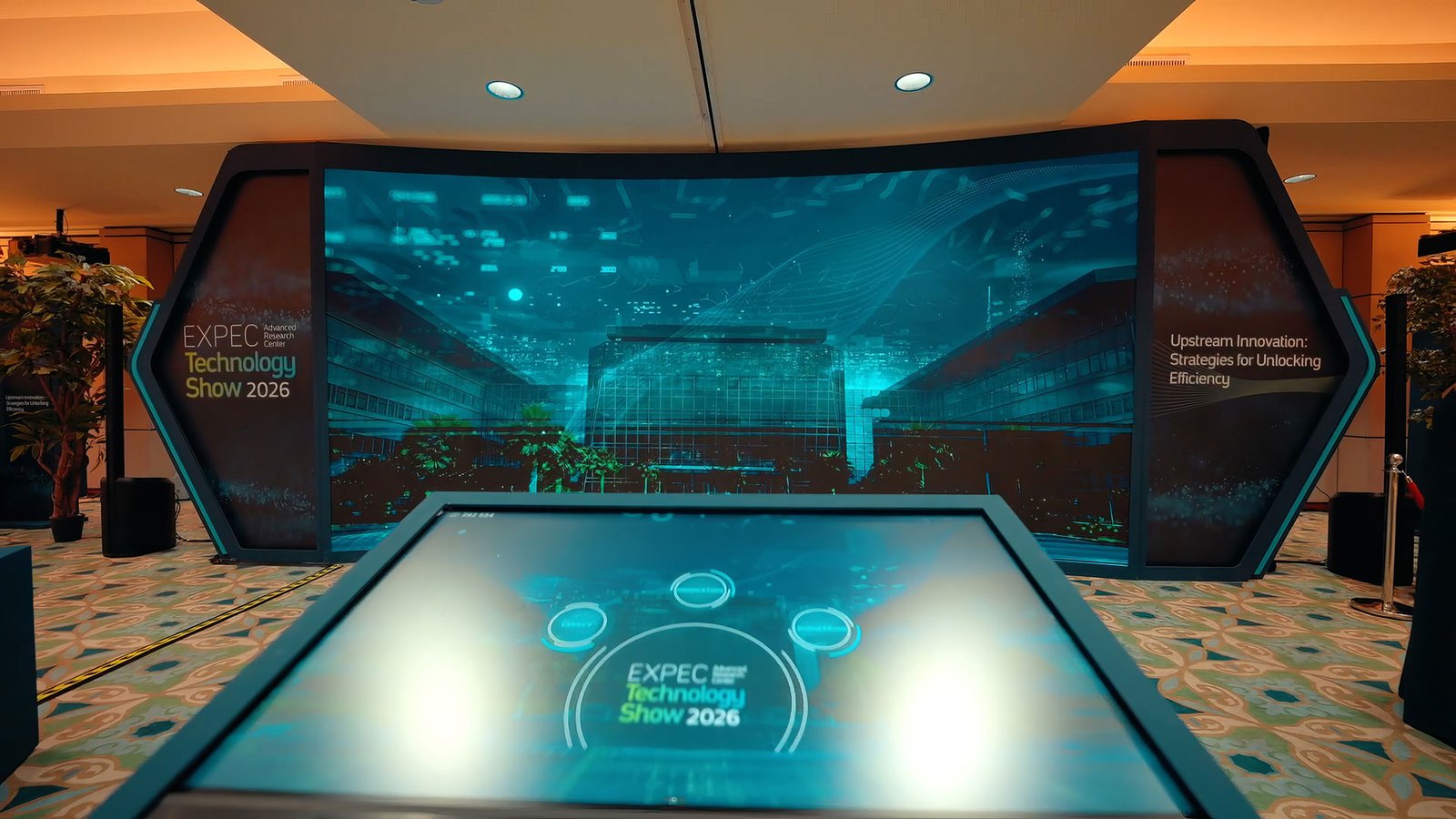
The Interactive HUB we built for the EXPEC ARC Technology Show was designed so that morning cannot happen. This story explains how, and it extends the smart event technology page.
The design. One content service on the stand holds the only copy of the truth. Every display is a renderer of that state. Change it once; it changes everywhere, within a tenth of a second.
The need
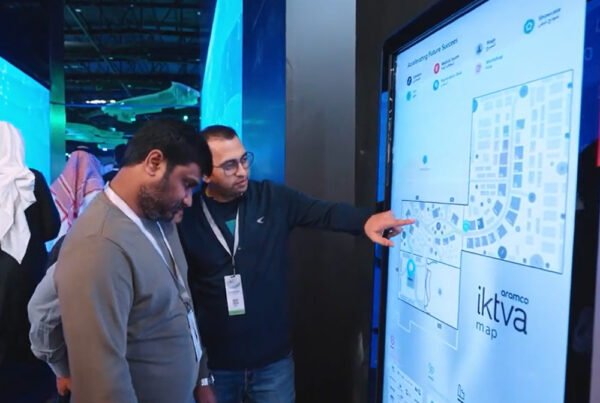
EXPEC ARC’s show presented research and technology across several displays, with a touch-native interface for visitors and content, data and media that had to agree with each other. When a visitor selected a topic on one screen, the surrounding displays were expected to respond. That is impossible with independent media players. It requires one state.
One service, many renderers
The content service runs on a local server on the stand. It holds the content tree, the current state (which topic is open, which video is playing, which language), and the data feeds. Each display runs a lightweight renderer that subscribes to that state over the local network. A touch on the interaction screen changes the state; every renderer repaints. No display owns content; they all read it.
Keeping media in step
Video is the hard part. Two displays told to play the same file will drift apart within a minute. We give the service a clock and every renderer seeks to the service’s timestamp rather than its own, so a film across a wall of panels stays frame-aligned. For a wall built from many LED tiles behind one processor we render a single master to the full pixel map instead, which the pixel map story covers.
Data feeds without the blank screen
Real-time figures came from a feed, and feeds drop. A display that goes blank when the source pauses looks broken. The service keeps the last good value with its timestamp and the renderer shows it, marked as last updated, until the feed returns. Visitors see a number; staff see the age of the number.
The admin panel is the same client
The panel your team uses to change a headline is just another client of the content service with write access. So a change made on a tablet at the back of the stand is on every screen before the person has put the tablet down. The partners who handled installation and hardware integration at EXPEC, Flash Diamond and Tactic Establishment, worked to the same service, which kept the hardware and software teams on one source.
Where it fits
- Smart event technology
- Web and application development
- WALL: interactive video walls
- HALO: the touch hub that drives the wall
Questions clients ask
How many screens can one service drive?
On a stand, as many as the local network carries comfortably; we have run multi-display hubs without any renderer waiting on another. Large venue-wide systems are scoped with their own network.
Can different screens show different content?
Yes. Sync means they share one state, not one picture. A touch on the hub can open a summary on one wall and a diagram on another from the same selection.
What if one display fails?
The others continue. A replacement renderer joins the service and catches up to the current state in seconds. We carry spare compute for critical screens.
Does this need internet?
No. Everything runs on the stand’s local network. Data feeds from outside are cached with timestamps so a dropped connection never blanks a screen.
More technical stories
- How a cylindrical hologram works: from CAD file to exhibition floor
- Designing touchscreens for an exhibition floor: glare, gloves and the two-tap rule
- Offline first: how we build event applications that survive the venue Wi-Fi
- Hand tracking on a stand: when touchless beats touch, and when it does not
- VR safety training that scores decisions: inside the Tasnee working-at-height build
- Lead capture on a stand: the architecture behind 217 qualified leads
- Show control for launches: one trigger, a countdown that waits, no second take
- Rendering for the wall: pixel maps, anamorphic corners and why 16:9 is not a plan
- Building a physical reaction game: Unity, custom circuits and a one-minute clock
Start with a conversation
Send the screen plan and what should happen when a visitor touches one. Smart event technology WhatsApp FAIM
Joby Thuruthel / FAIM
Found this useful?