COMPASS
Wayfinding & Navigation
Guide visitors across a large venue to the stands and sessions they want.
Read the narration
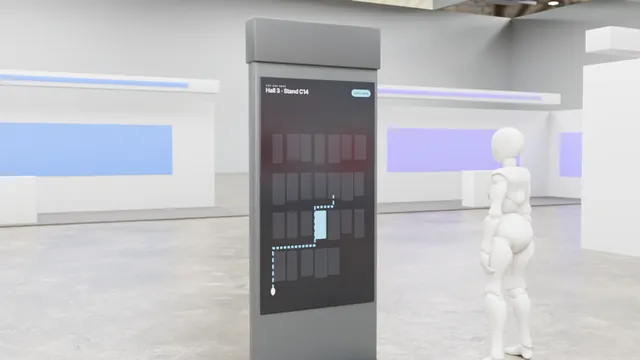
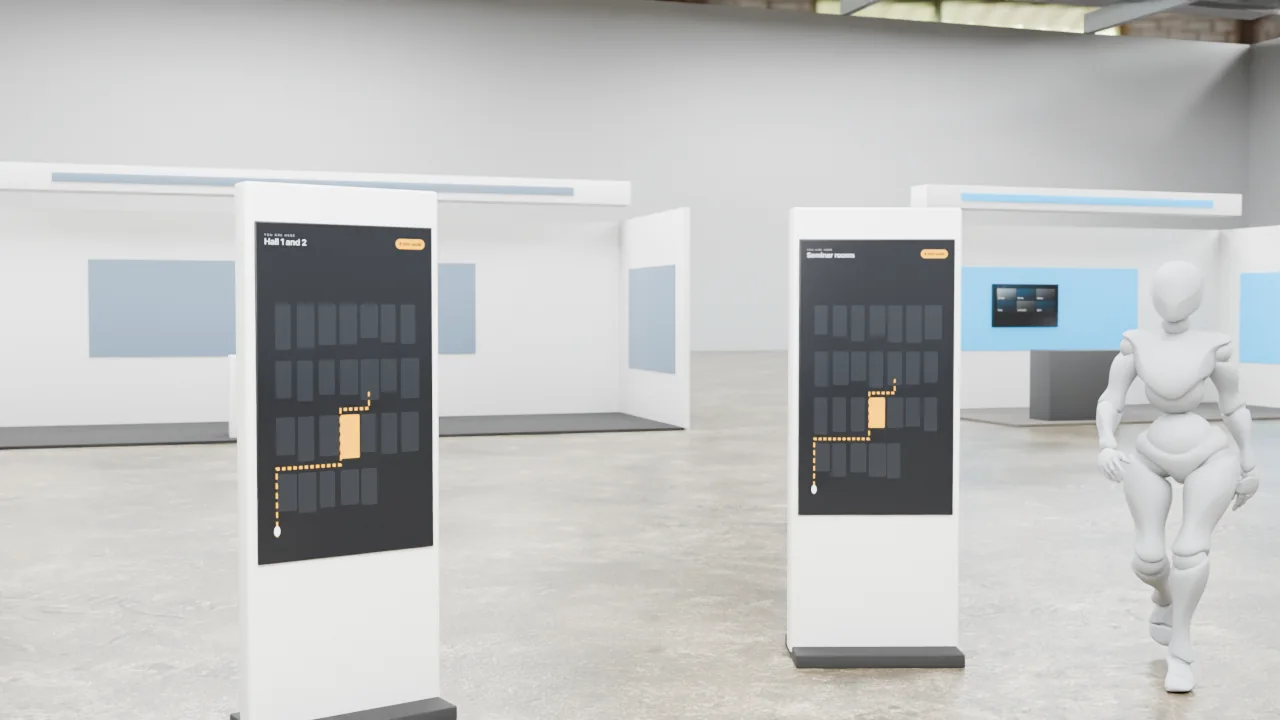
Compass is clear wayfinding for any venue. Simple totems, live maps and a route that follows the visitor onto their phone.
What it is
Kiosk and mobile wayfinding on FAIM's venue engine with content manager-managed exhibitors.
What visitors do
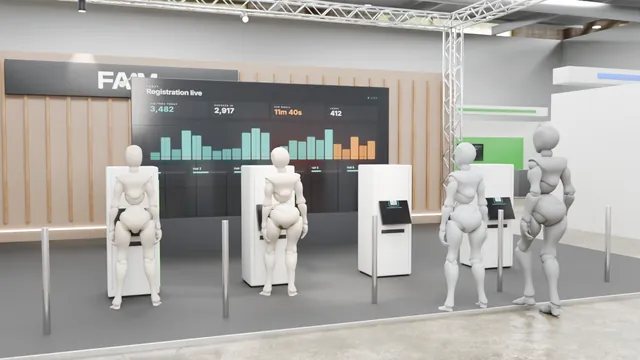
- Registers online
- Checks in at kiosk
- Finds booths on the map
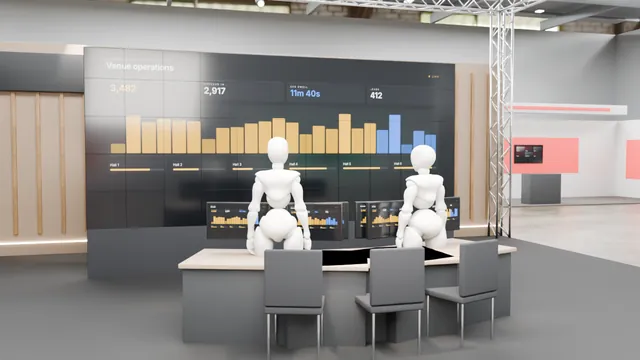
- Staff see live flow
Why it is useful
Standard wayfinding kiosk and mobile map.
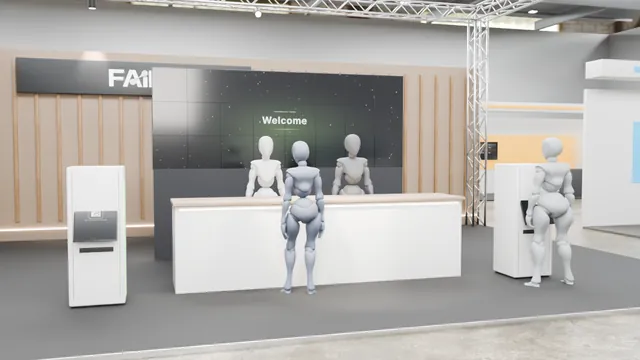
- Register and guide visitors
- Capture qualified leads
How it responds
- Dashboards
- Badges
- Maps
Interactive 3D experience
See it working, in five steps
Idle, input, recognition, response and result. Play the sequence, or drag to look around.
Open the interactive 3D experience to turn the model, zoom in and play the five-step sequence.
Key features
- Route engine
- QR handoff
- Path analytics
- Kiosks
- Badge/QR scanners
Hardware and software
- Kiosks
- Scanners
- Badge printers
- Registration and session service
- Wayfinding engine
Customisation
- Your brand, colours, logo and copy throughout
- Content in English and Arabic
- Size and layout planned for your stand or venue
- Rules, timings and prizes set to suit your audience
- Optional lead capture with the visitor's consent, sent to your team
Technical specification
Signal path
Hardware on site
- Kiosks
- Scanners
- Badge printers
- Local server
- Operator screens
Software
- Registration and session service
- Wayfinding engine
- Device health monitor
- Analytics
- content manager
Data it can capture
- Anonymous session id
- Interaction events
- Optional consented lead (name, company, email)
Personal data only with the visitor's consent, stored and handled as agreed with you.
If something fails
Components are matched to your venue, power, data and floor plan. Install, testing and on-site support by the FAIM team.
Accessibility
- Interaction points set between 0.9 m and 1.2 m where the product allows, with clear floor space for a wheelchair user
- Every spoken or audio cue has an on-screen equivalent
- High-contrast on-screen text and generous touch targets
- A staff-assisted mode for visitors who prefer not to interact directly
Who it suits
- Event organisers and agencies
- Government and authorities
Where it works
- Venue entrances and concourses
- Conferences
- Operations rooms
Related technologies
Often paired with


Want COMPASS at your event?
Add it to your enquiry list, keep browsing, and send everything in one go. Or talk to us now.