PHANTOM

Holographic Displays

Float your product or presenter in mid-air to stop traffic at the stand.

View in 3D
Read the narration

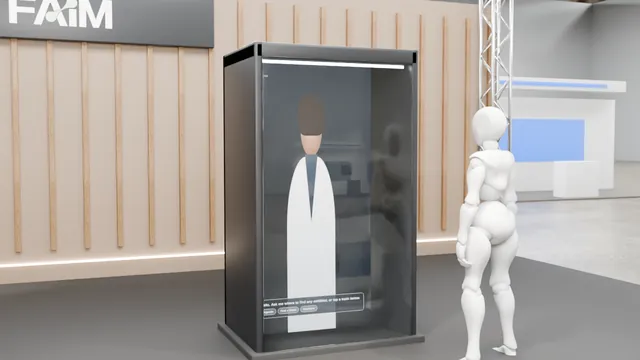
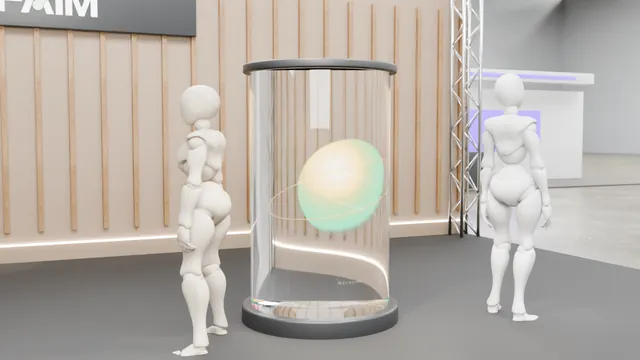
Phantom makes content float in mid air. An array of holographic fans behind protective glass, ready for logos, products and characters.
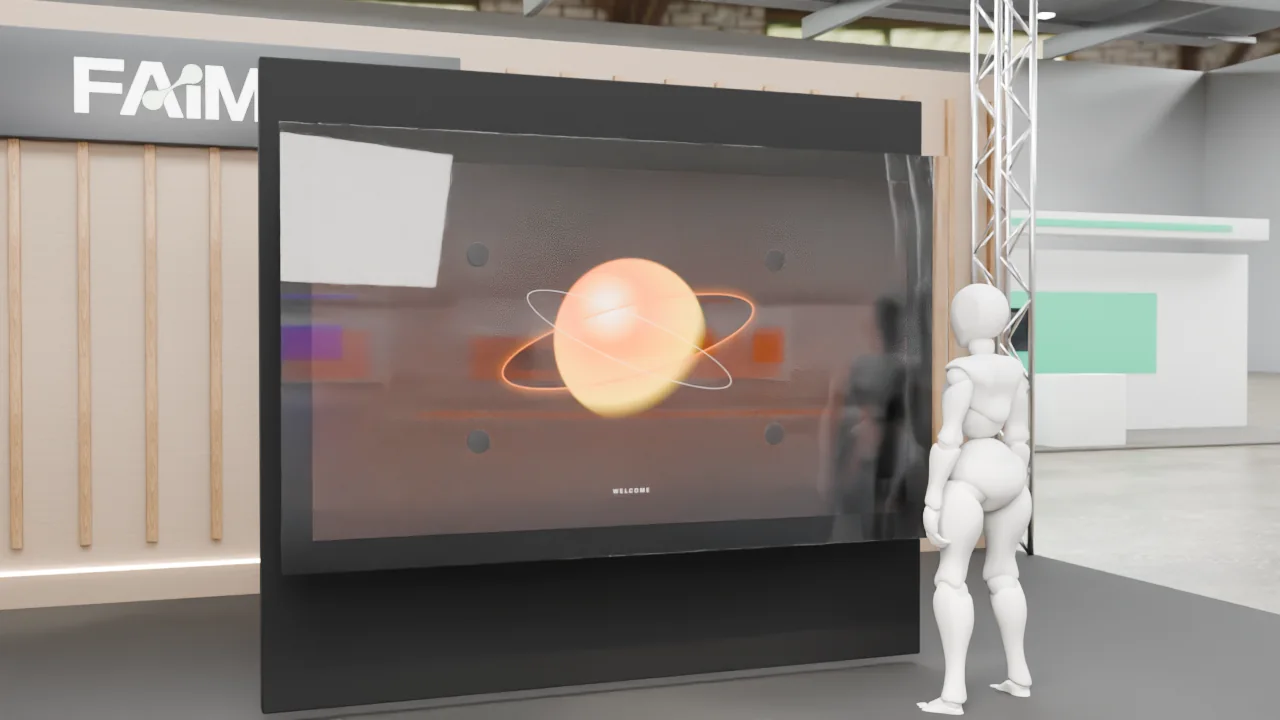
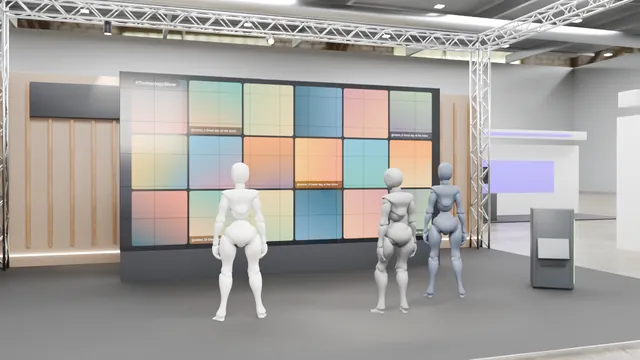
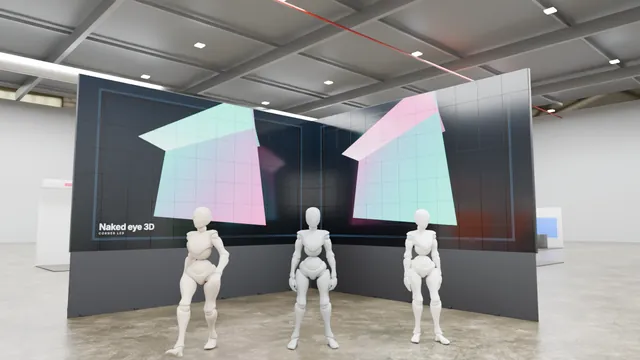
PHANTOM, Holographic Displays, installed on an exhibition stand

What it is

LED fan and box displays with FAIM content templates and scheduling.

What visitors do

  1. Notices the effect from distance
  2. Walks to the sweet spot
  3. Content reacts
  4. Moves on

Why it is useful

Standard holographic fans and boxes.

  • Draw a crowd
  • Create a ceremony moment

How it responds

  • Specialist display

Interactive 3D experience

See it working, in five steps

Idle, input, recognition, response and result. Play the sequence, or drag to look around.

Open the interactive 3D experience to turn the model, zoom in and play the five-step sequence.

Key features

  • 4K media server
  • Remote content manager
  • Proximity/LiDAR sensor
  • Optional touch or gesture

Hardware and software

  • Specialist display (LED, transparent, holographic)
  • Media player
  • Sensor
  • Content pipeline for the display geometry
  • Scheduler

Customisation

  • Your brand, colours, logo and copy throughout
  • Content in English and Arabic
  • Size and layout planned for your stand or venue
  • Rules, timings and prizes set to suit your audience
  • Optional lead capture with the visitor's consent, sent to your team
Technical specification

Signal path

Step 1Visitor approaches
Step 2Sensor
Step 3VISITOR_APPROACHED
Step 4Scheduler
Step 5Display content

Hardware on site

  • Specialist display (LED, transparent, holographic)
  • Media player
  • Sensor
  • Mounting structure

Software

  • Content pipeline for the display geometry
  • Scheduler
  • Proximity triggers
  • content manager

Data it can capture

  • Anonymous session id
  • Interaction events
  • Optional consented lead (name, company, email)

Personal data only with the visitor's consent, stored and handled as agreed with you.

If something fails

Display faultFallback loop on backup player
Ambient light too brightBrightness profile, venue lighting request

Components are matched to your venue, power, data and floor plan. Install, testing and on-site support by the FAIM team.

Accessibility

  • Interaction points set between 0.9 m and 1.2 m where the product allows, with clear floor space for a wheelchair user
  • Every spoken or audio cue has an on-screen equivalent
  • High-contrast on-screen text and generous touch targets
  • A staff-assisted mode for visitors who prefer not to interact directly

Who it suits

  • Brands and retail
  • Event organisers and agencies
  • Real estate and development
  • Government and authorities

Where it works

  • Exhibition halls and pavilions
  • Launches and ceremonies
  • Malls and public spaces

Want PHANTOM at your event?

Add it to your enquiry list, keep browsing, and send everything in one go. Or talk to us now.

Go to enquiryWhatsApp

PHANTOM in the FAIM catalogue